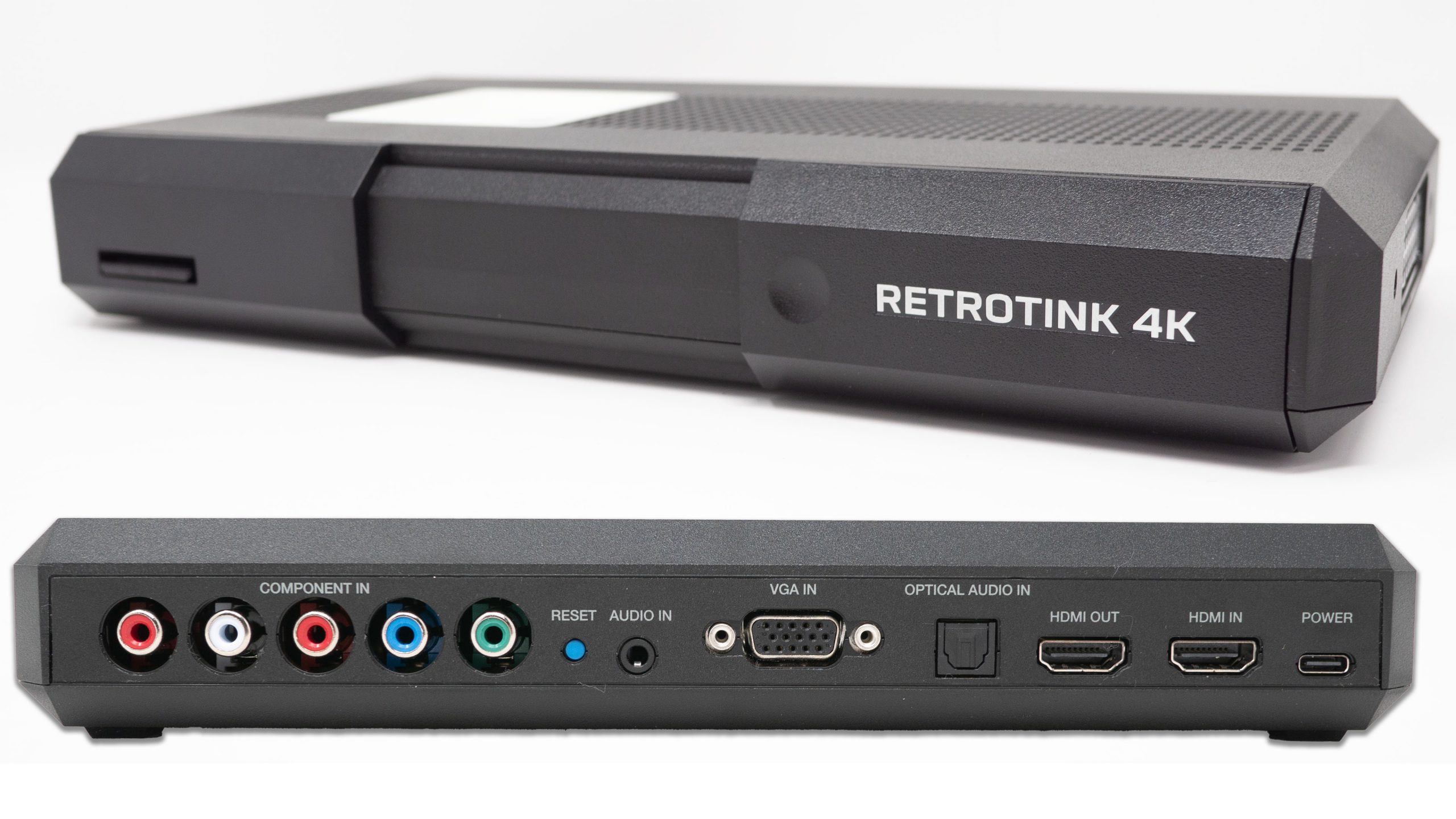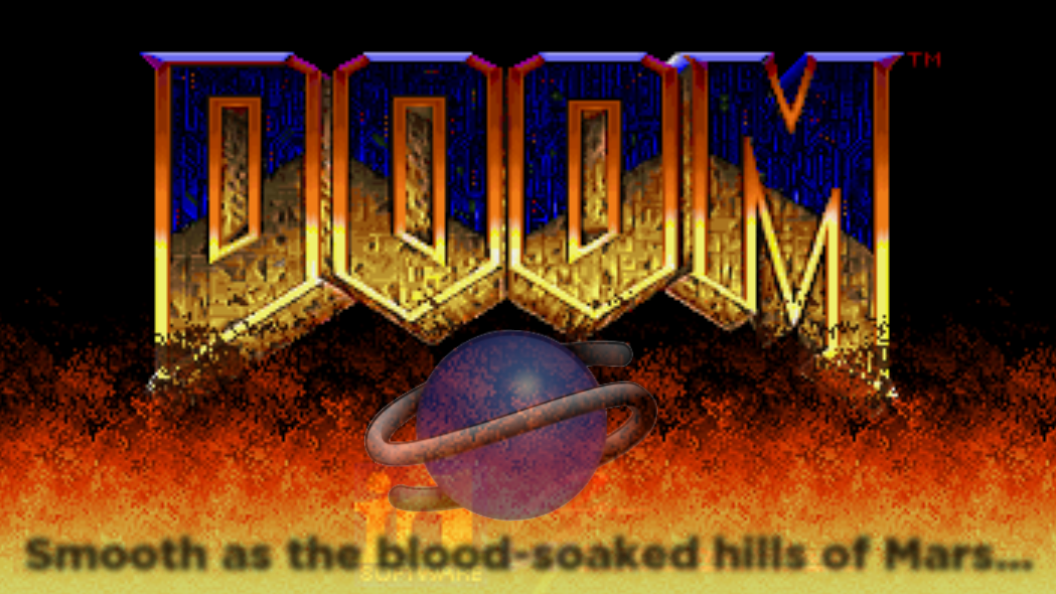
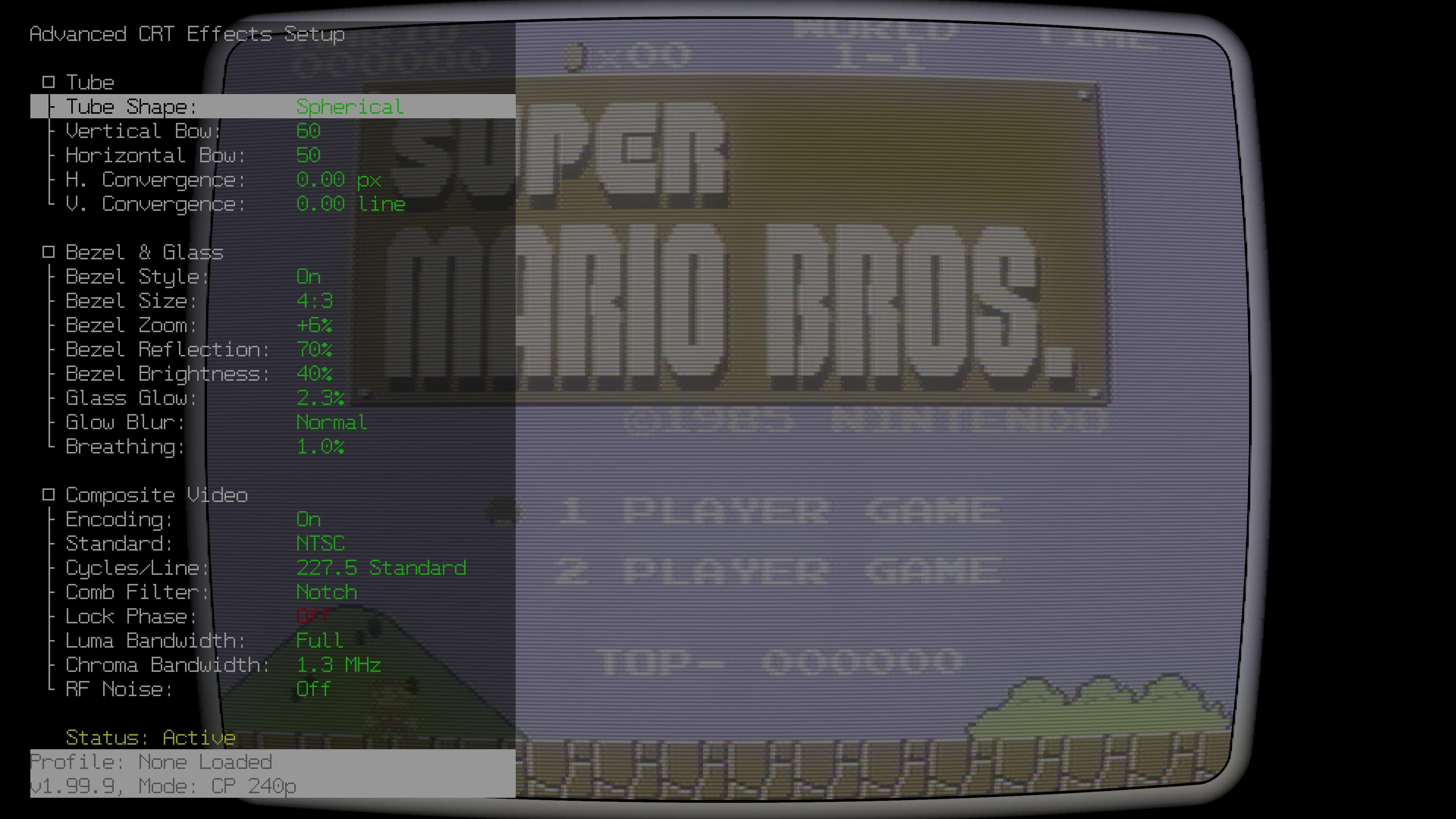
RetroTINK’s latest experimental firmware gives 6X and 4K users new ways to dress up a video signal on a modern screen. The headline additions are CRT-style curvature, bezel options, and composite video emulation for all 15 kHz sources. Together, they can make a flat panel feel a little more like an old television, while keeping the original signal in the hands of the scaler.
The update also includes useful tools for people who like to adjust settings and compare results. Input and output screenshots can be saved, making it easier to see what the unit is receiving and what it is producing. That distinction matters when a picture looks off: the source signal and the processed image are two different points in the chain, and a capture of each gives the tinkerer something concrete to inspect.
Retro Context
A lot of classic consoles output video at 15 kHz, a signal associated with the televisions of their era. Connecting that material to a modern flat panel involves more than simply making the picture bigger; the scaler has to interpret and present the incoming signal. The new options sit on top of that work. Composite emulation can add a familiar video character, while curvature and bezels let users evoke the presentation of a CRT set around the game or video itself.
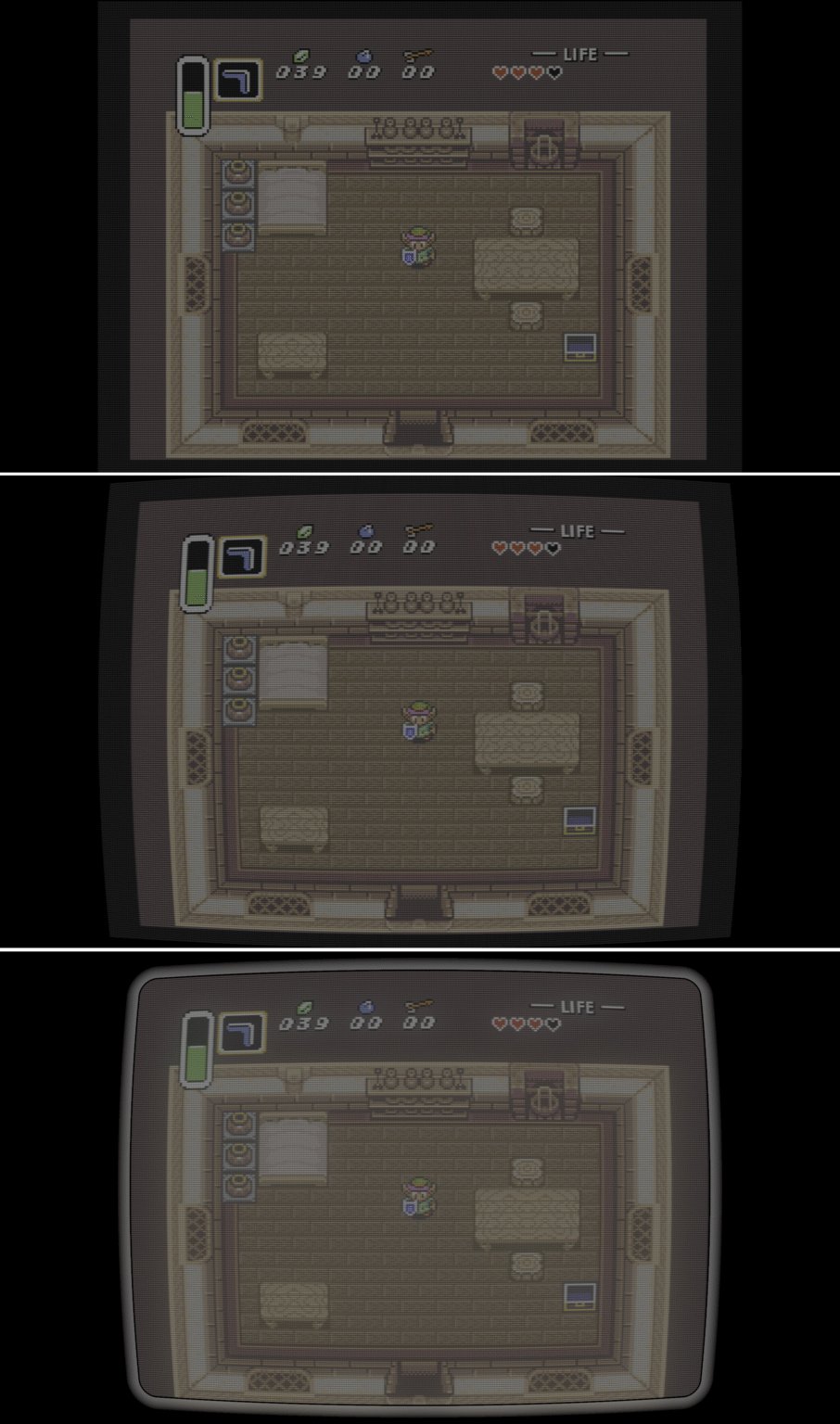
That CRT look is a choice rather than a single correct setting. Real CRTs had visual traits that some players remember fondly, but they could also have geometry quirks. Flat panels, by contrast, are valued for their clean geometry. These firmware additions let users try a more period-flavored presentation without giving up the modern display they already own, and decide which parts of the old look suit the content.
The examples accompanying the update were captured in HDR. They may appear washed out when viewed on a display or in a playback mode that is not showing HDR properly, so the screenshots are best treated as illustrations of the settings rather than as a perfect representation of every viewer’s screen. That caveat is particularly helpful when comparing subtle changes such as a bezel or mask.
Why It Matters
Resolution and refresh rate affect which setup makes sense. The examples use 1440p: the RetroTINK 6X CE works well with 1440p displays at 60 Hz, while the 4K CE and Pro can handle 1440p at 120 Hz. For a 240p source, however, choosing 1440p does not guarantee that the image will fill the panel. An even scale is needed for proper CRT masks, and at 1440p that scaling can leave black bars on every side.
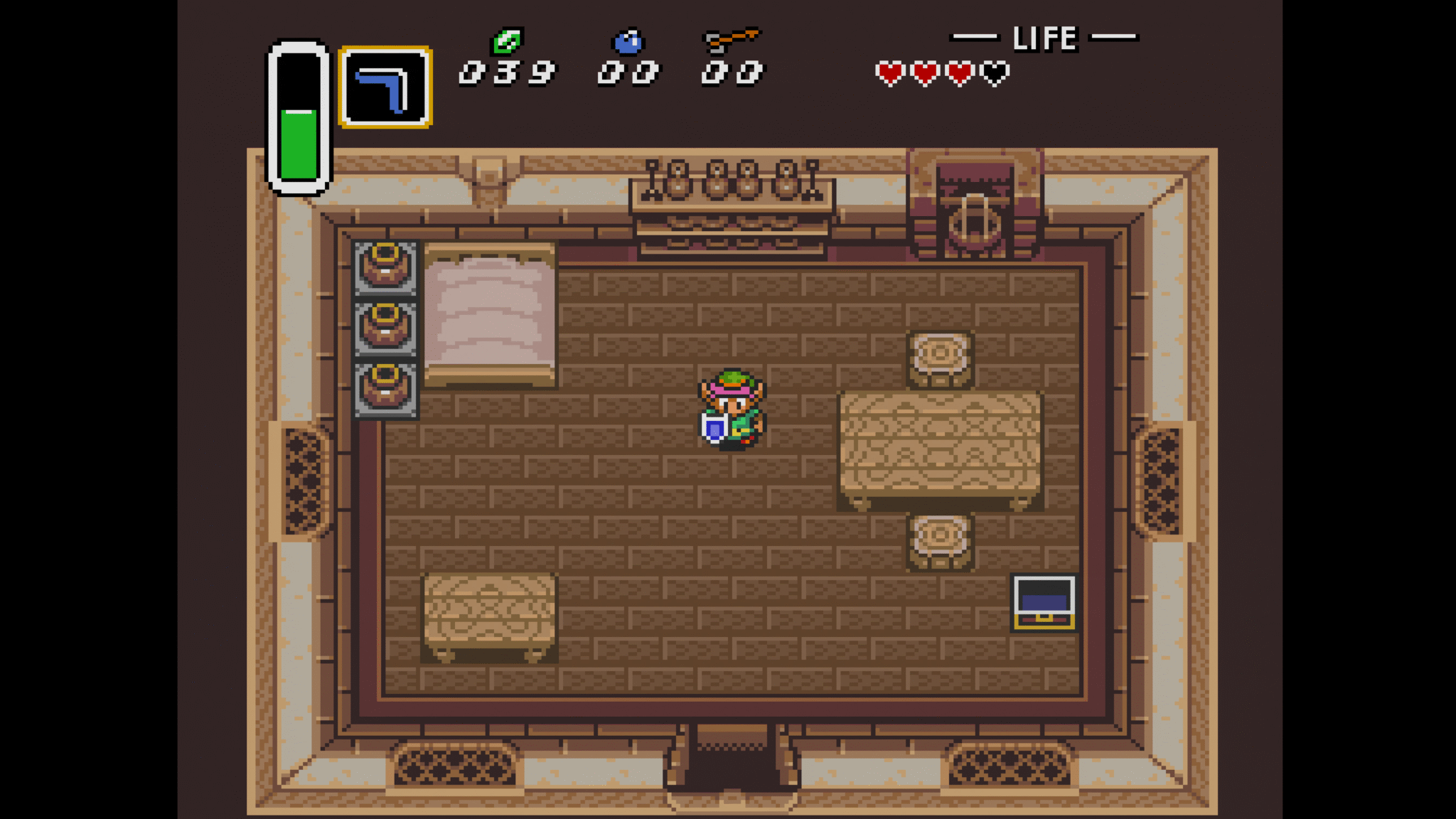
That trade-off helps explain why a screenshot that looks pleasing in one setup may not translate directly to another. The display’s resolution and refresh rate, the source, and the chosen mask all shape the result. If even scaling is important to the CRT effect, the surrounding unused space is part of the practical picture to consider. Users can weigh that against the look they want rather than judging curvature or masks in isolation.
A viewing test with an episode of The A-Team gives one example of the effect beyond games. The episode was watched through the RetroTINK, with the Blu-ray played directly on an OLED serving as the comparison. The reviewer found a substantial difference when the CRT mask was applied: it cut through the film grain that looked messy in the direct presentation. The bezel made a smaller change, but seemed to add to the experience when kept subtle.
That report also offers a useful scale for expectations. In this case, the mask had the more noticeable effect, while the bezel worked as a finishing touch. A border can help suggest a television frame, but it need not dominate the image. Since the response is based on one person’s viewing and setup, it is best read as an example of what the options can do, not a promise that every film, game, or display will look the same.
Burn-in was another concern during the test. After watching the full 45-minute episode, the reviewer saw no image retention. They reasoned that the changing video makes the bezel more like a border of light that shifts with the content than a fixed picture. That is a personal observation and an explanation, not a guarantee about every display or viewing pattern. It does, however, describe why a moving image may behave differently from leaving a static screen element on for the same stretch of time.
Curvature may be the most immediately visible new feature, but it is not automatically an improvement for everyone. The reviewer liked E-Conserve scanlines and preferred the geometry of a flat panel, saying they had no particular nostalgia for a curved image. Their view captures a familiar retro-display tension: recreating CRT character can be appealing, while the precision of an OLED or other flat panel is itself one of the reasons to use it. Firmware choice gives each viewer room to set that balance.
Input screenshots add a more technical kind of value. They save to the SD card quickly and reflect the signal the RetroTINK detects. In the SNES example, RGB SCART is shown first with the generic input setting, which oversamples horizontally to reduce phase and scaling issues. A second capture uses an SNES sharp profile, adjusted to accept the SNES signal. That gives users a way to compare a general-purpose interpretation with a profile tailored to a particular console.
Output screenshots are available too, though the examples described here focus on the input side. Taken together, captures at both ends can help a tinkerer document what they are testing and distinguish a source-side issue from a change introduced during processing. For people who spend time tuning profiles, that is a practical addition alongside the more visible CRT styling. The value is in being able to check the signal and settings, not only in how the final picture looks.
There is also a playful demonstration of a curved CRT with BFI, or black frame insertion. The clip shows a CRT beam rolling at 240 Hz in slow motion, and its creator notes that 1080p may still have a place. It is a separate example of display behavior rather than a claim that every RetroTINK setup will reproduce the same result, but it underlines how much there is to explore when older display techniques meet modern video processing.
What the update and examples cover
- CRT curvature, bezel options, and composite video emulation for all 15 kHz sources.
- Input and output screenshots, with input captures saved to an SD card.
- A 1440p example setup, with different refresh-rate capabilities across the 6X CE, 4K CE, and 4K Pro.
Z-retro View
These firmware additions make the RetroTINK experience more adjustable in two useful ways: they offer more control over the character of the picture, and give tinkerers better visibility into the signal they are working with. The CRT effects can add atmosphere, but scaling limits, display behavior, and personal taste still matter. A restrained bezel, a preferred scanline style, or a clean flat image can each be the right fit. The experimental firmware gives users more room to find their own balance.
The firmware page lists the updates from v1.99.1 through the most current version covered here, v1.99.9. Find the experimental firmware at https://retrotink-llc.github.io/firmware/4k-experimental.html. RetroTINK products are listed at https://retrorgb.com/retrotink.html.