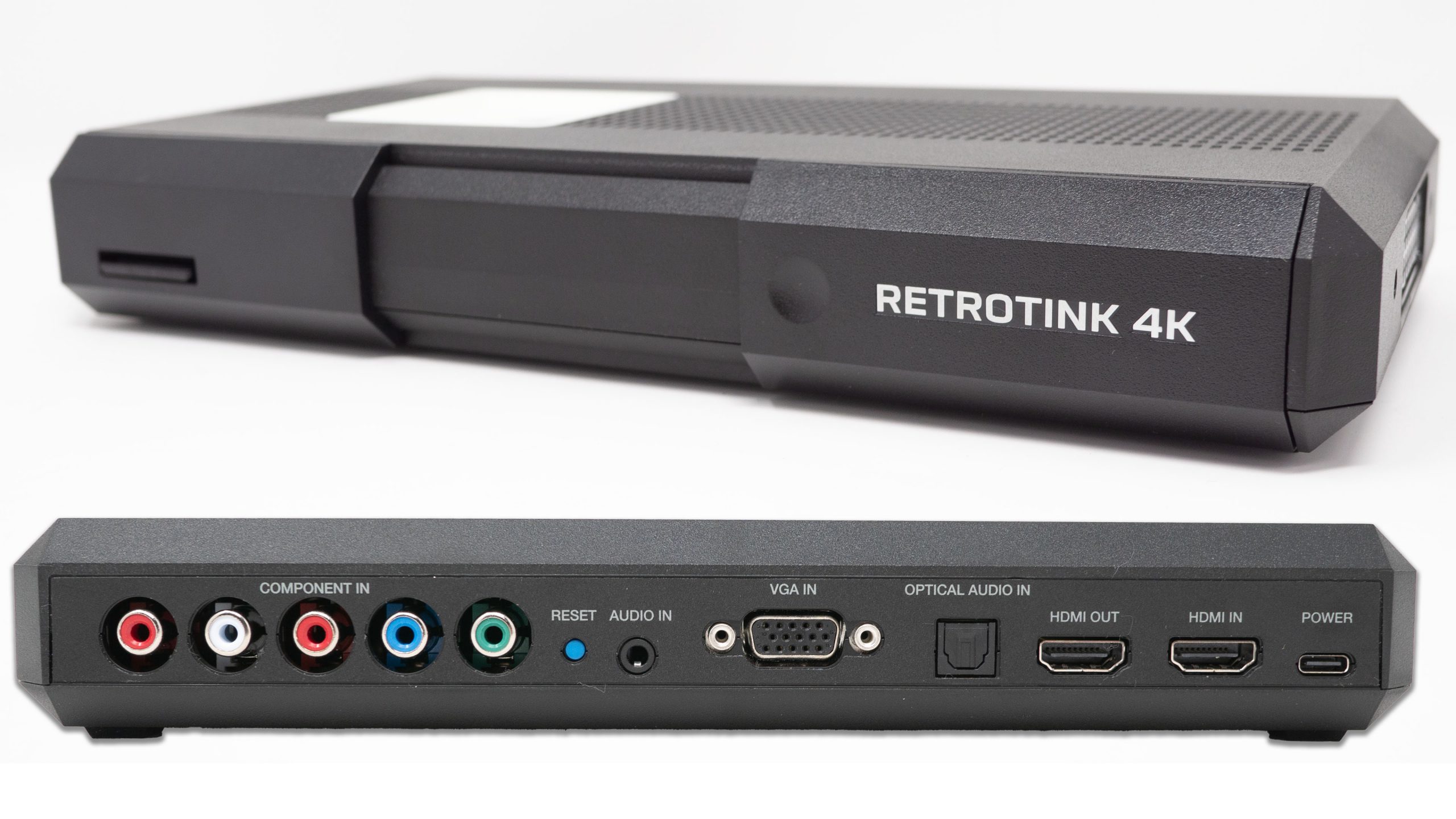
Mike Chi has released experimental firmware v1.21.0 for both RetroTINK 4K units, and the headline change is a practical one: users can now place many modelines on the SD card. For anyone who keeps different custom profiles around, this removes a lot of the old friction. Instead of juggling a small set of saved names and worrying about replacing something useful, a profile can be matched to a needed modeline more cleanly.
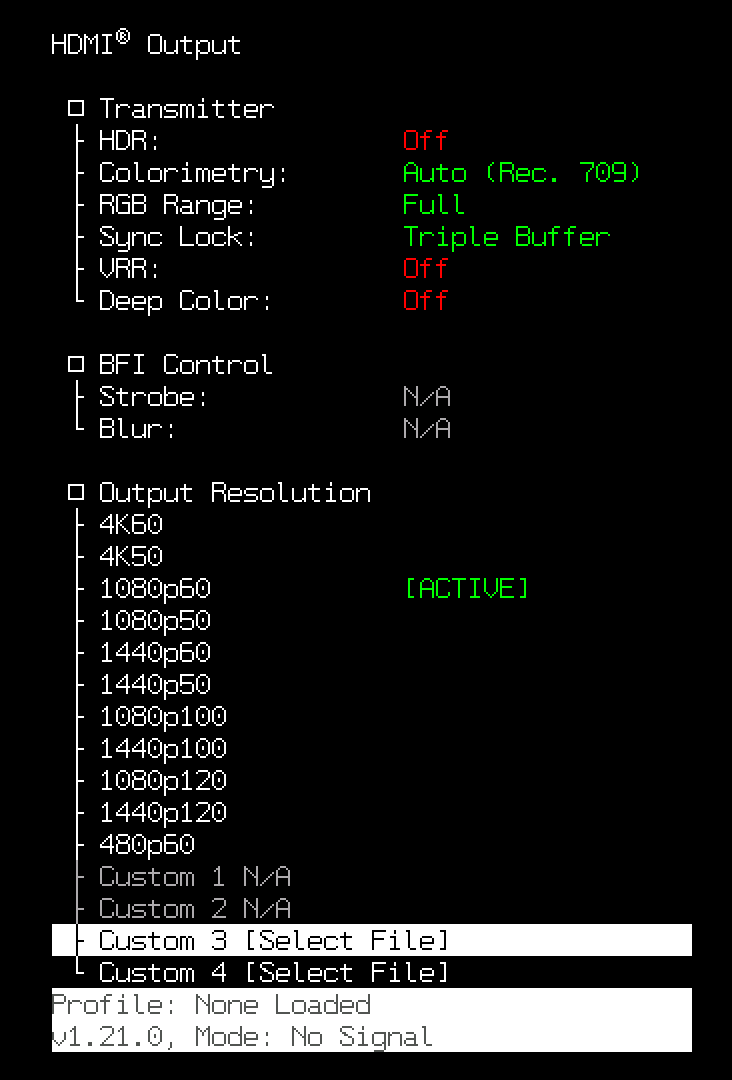
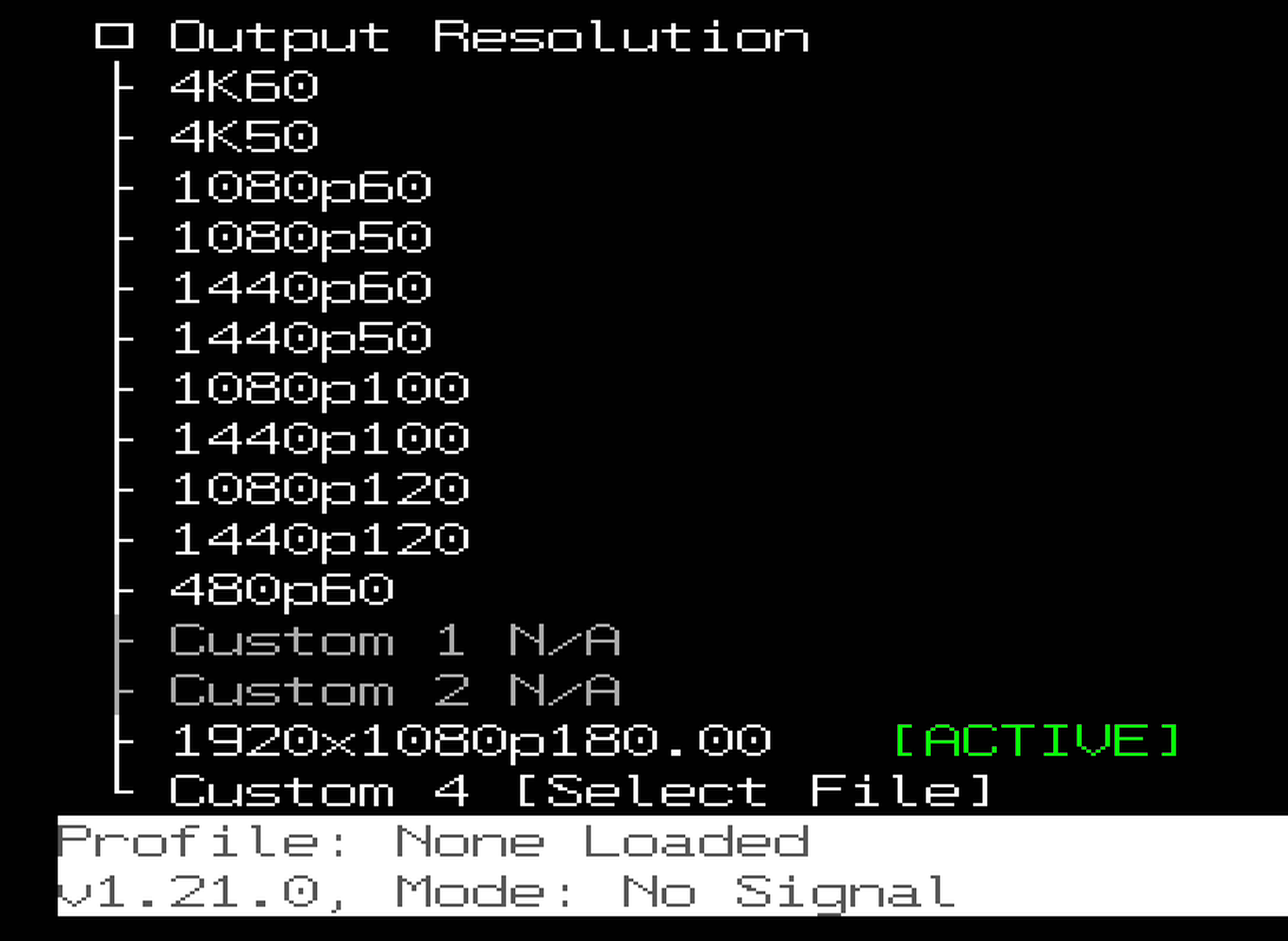
After installing the firmware, the HDMI menu changes from the older four-default-profile setup. The new layout gives users two custom slots that can be reserved for favorites, plus two additional slots that can be assigned as 3 and 4. That makes the menu feel less like a fixed drawer and more like a small workbench for testing different display timings.
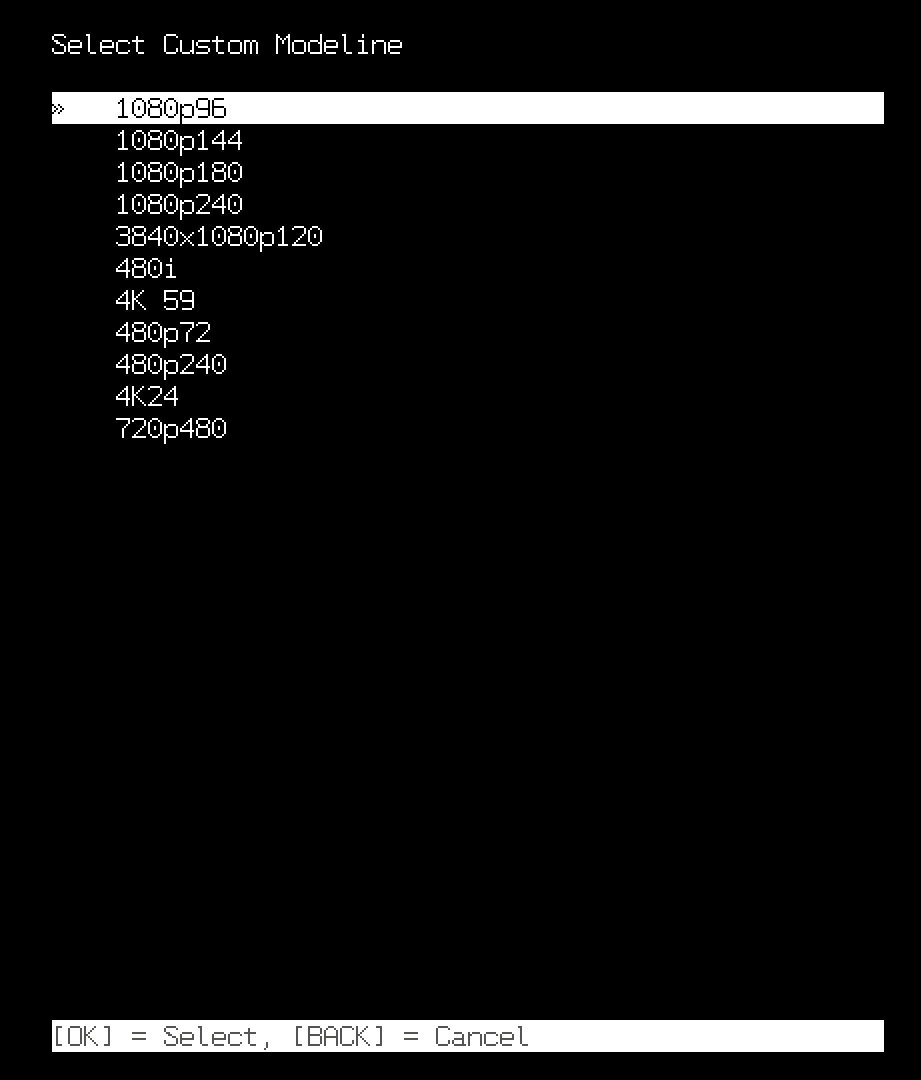
The shared VHS and modeline pack shows how this works in practice. The modeline files are the same ones that have been in use for years, but they no longer need to be copied and pasted into names like custom1 or custom2. They can simply be renamed to describe what they are, then selected from the menu. Once chosen, a modeline remains in slot 3 or 4 until another one is loaded manually, or until a profile is loaded that changes it.
Links Mentioned
- Experimental RetroTINK 4K firmware: https://retrotink-llc.github.io/firmware/4k-experimental.html
- RetroTINK product information: https://retrorgb.com/retrotink.html
- New VHS and modeline pack: https://www.retrorgb.com/assets/RT4K_VHS_2026-06-07.zip
Retro Context
Modelines sit in that very retro corner where old video behavior meets modern display hardware. Retro systems, video gear, and specialty profiles often need careful handling, and a scaler setup can become a small library of timings and preferences. This update matters because it treats those modelines more like a collection you can browse and assign, rather than a few precious slots you must constantly overwrite. For people who move between consoles, profiles, and video-style experiments such as VHS-oriented settings, that is a more natural fit.
Why It Matters
The main reader value is organization. If you only use one or two favorites, you can still name them custom1 and custom2 and keep them always available. If you switch often, the expanded SD card approach makes it easier to keep named modelines ready and load them as needed. The caveat is important: this is experimental firmware, so it is best treated as something to test carefully rather than a set-and-forget update for every setup. Users who rely on a stable configuration should pay attention to how slots 3 and 4 behave after loading profiles.
Z-retro View
This is the kind of scaler update that sounds small until you are the person maintaining several custom setups. More modelines on the SD card does not change the soul of the RetroTINK 4K, but it makes the daily workflow friendlier for tinkerers. The extra BFI improvement is also welcome: the BFI page now shows what is happening through a “BFI Pattern” display at the bottom, helping users understand which frames are on or off as modes change. More detail on BFI and the new VHS profiles is still expected later, but for now this looks like a useful testing release for building a fuller modeline pack.