Retro Context
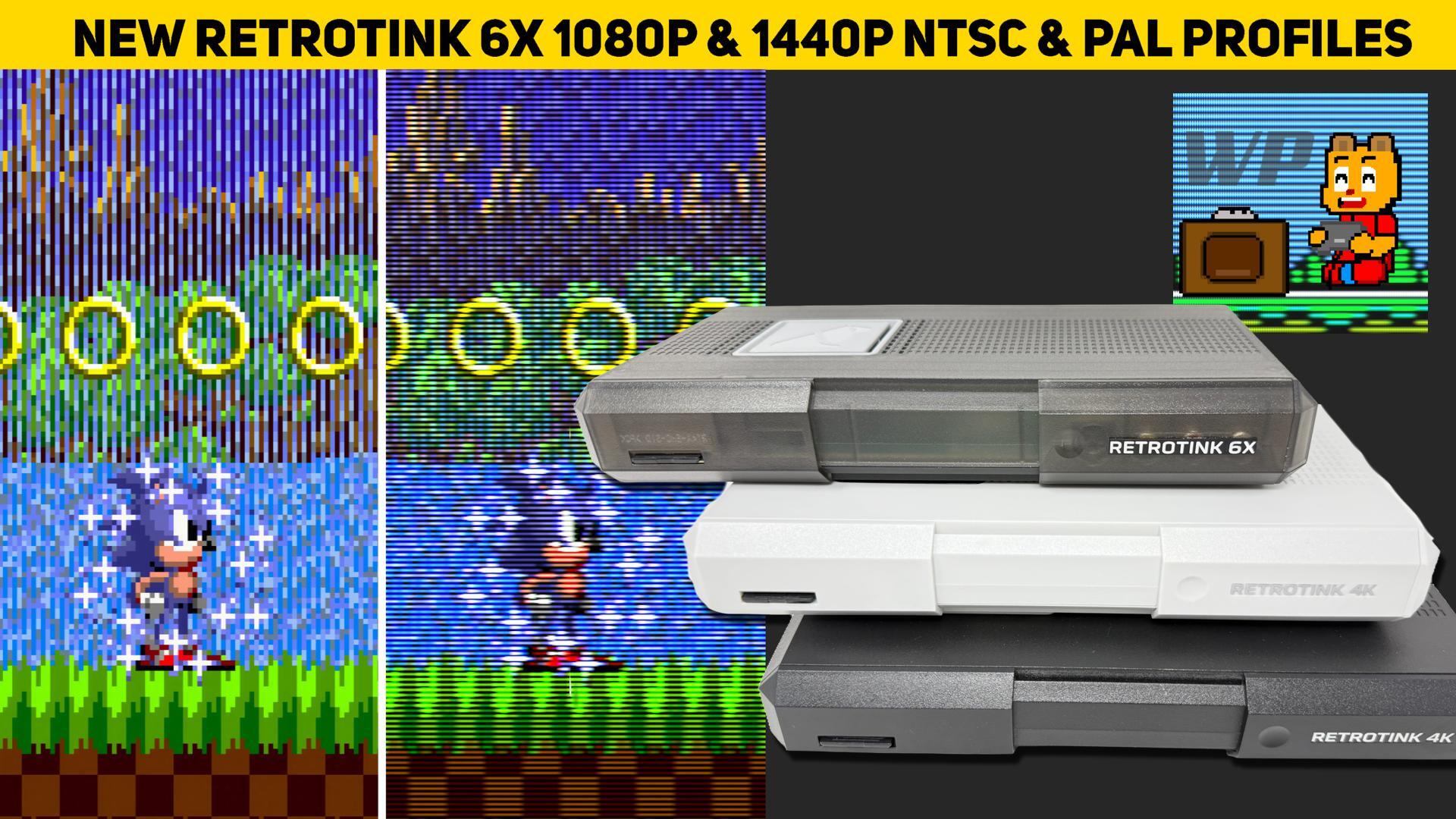
Retro consoles often need a scaler to present their original video cleanly on modern displays. RetroTINK’s 6x and 4K models offer different hardware options for that job, while profiles let users save a collection of image and output settings for particular systems or looks. Wobbling Pixels has now shared a pack focused on 1080p and 1440p output. It was made with the lower-cost RetroTINK 6x in mind, but the profiles can also be used on the 4K model.
That compatibility matters because owning a 4K scaler does not mean every session has to run at 4K. Streaming is one reason someone might choose 1080p output. The source also points to BFI as a personal reason to lower the resolution. In either case, having profiles prepared for those output sizes can make a lower-resolution setup easier to reach. It is a practical reminder that the right scaler settings depend on how a system is being played and displayed, not only on the highest resolution the hardware can produce.
Why It Matters
For RetroTINK 6x owners who spend time refining their picture, this pack offers access to the same kind of carefully tuned profiles available for the 4K unit, without having to build each one from scratch. Owners of the 4K model may also save time when they want to run at 1080p or 1440p. The previous approach described here involved loading a 4K profile, changing the output resolution, then checking and adjusting the scaling. Starting with a profile designed for the target resolution cuts down on that setup work, though individual preferences can still call for small changes.
The update has a prerequisite: the latest RetroTINK firmware and Wobbling Pixels’ earlier pack, released on August 28. People who already installed that pack can extract the new update onto the SD card and allow files to be overwritten; the files being replaced are duplicates. If the earlier pack is not installed, the SD card needs the earlier material first. The available instructions are on the pack page, so it is sensible to follow those steps in order and make a copy of any profiles you have customized before changing the card.
There is a separate recovery option for RetroTINK 6x CE users who are having trouble with the SD card. Wobbling Pixels includes a full image in the same download link. The creator’s page explains how to format the card and extract that image; it includes the latest firmware and profile updates, leaving the card with a fresh installation. Because formatting clears the card, save any custom profiles beforehand. The update links and firmware page are useful starting points: the [RetroTINK product page](https://retrorgb.com/retrotink.html), [Wobbling Pixels’ RT6x pack](https://retrorgb.link/wp_rt6xprofiles), [RT4K pack](https://retrorgb.link/wp_rt4kprofiles), and [latest RT4K firmware](https://retrotink-llc.github.io/firmware/4k-experimental.html).
Z-retro View
The pack is especially useful for people who already know the output resolution they want and would rather spend less time adjusting scaling by hand. It also leaves room for personal taste: a prepared profile is a starting point, not a promise that every mask, color, or beam setting will suit every display or player. One example shared with the update uses Wobbling Pixels’ “SNES & SFC – R4KPRO – CRT – Blend Medium” profile while playing A Link To The Past in 4K on an LG C4 OLED through a RetroTINK 4K Pro. Only a few changes were needed: “Auto Fill Int +” scaling, an RMCG 600TVL mask at strength 7, and a Medium E-Conserve beam spread. The remaining adjustment described was enabling a setting, but its name is not specified here.
The same player plans to try “SNES & SFC 4-3 – Sharp” at 1080p5x and 120Hz, carrying over “Auto Fill Int +” and D93 color while deciding whether a dense mono mask or another option suits the profiles better. That is a useful way to approach a profile collection: begin with a setting made for the output you need, then make only the changes that improve your own picture. The 1080p and 1440p pack gives both 6x and 4K users more ready-made choices, while the final look remains something to settle on through use.