Retro Context
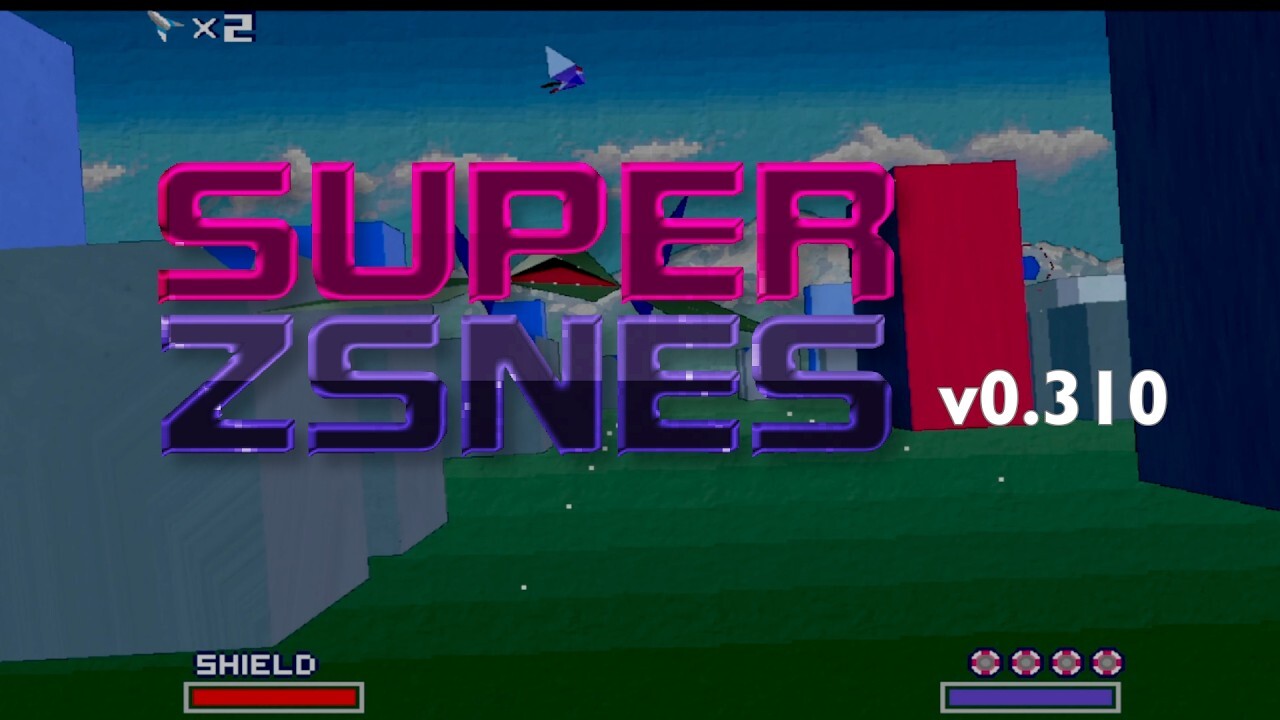
Super ZSNES is a recently relaunched emulator for the Super Nintendo, a system whose games sometimes used extra chips inside their cartridges to add capabilities beyond the console itself. Version 0.300 adds support for the SA1 and Cx4 expansion chips, extending the emulator’s compatibility with games that rely on them. For players revisiting the SNES library, that kind of support matters: the experience depends on more than reproducing the console alone, since some cartridges brought their own hardware into the mix.
Why It Matters
The release also makes Super ZSNES available on iOS for $3, while its PC versions remain free. That gives players a choice between a mobile edition with a purchase price and free PC versions. Anyone interested can check the project’s main page for details, and the release announcement also points to the iOS and Google Play listings and a Patreon page for supporting development.
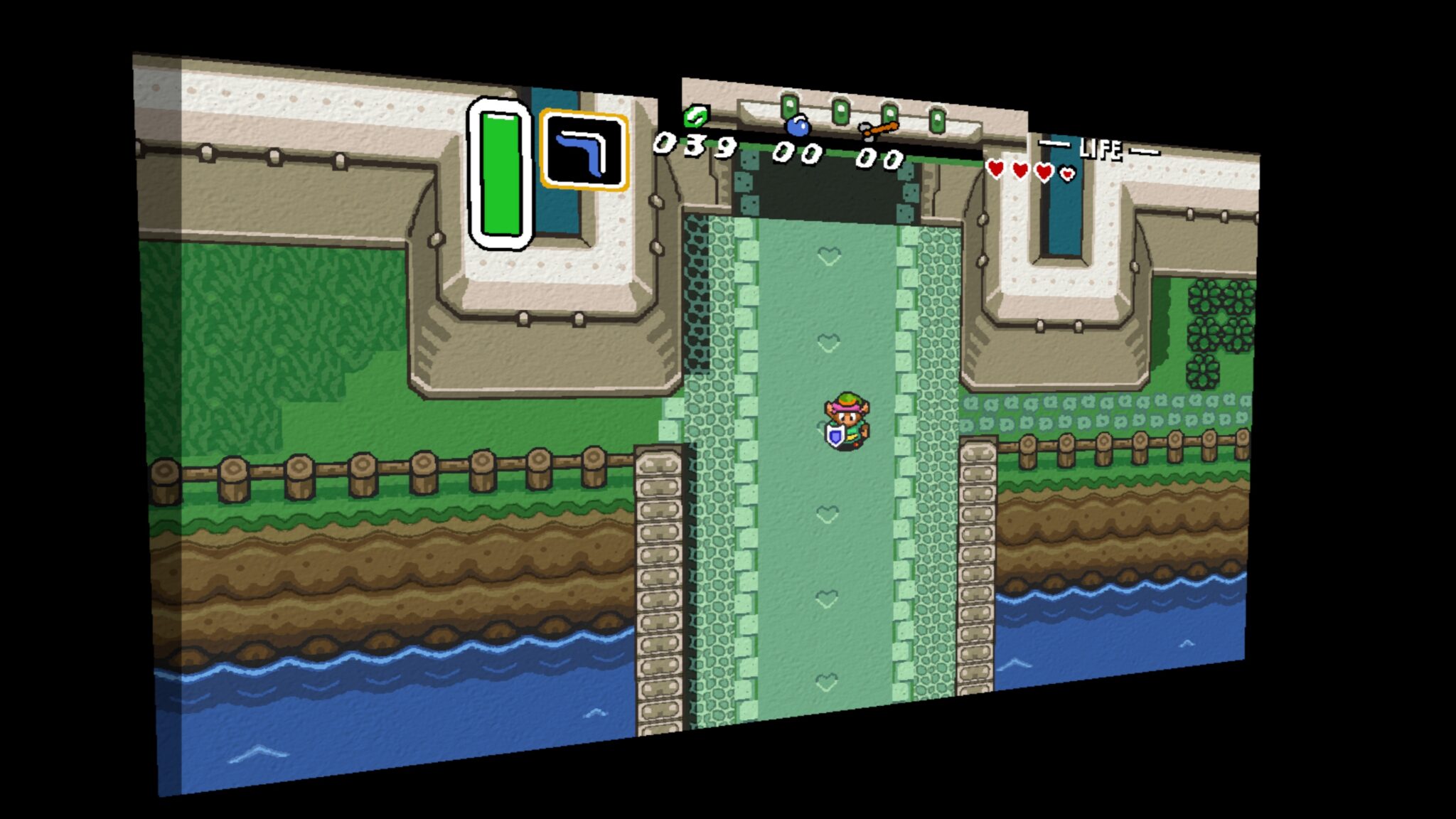
Visual options shown in A Link to the Past
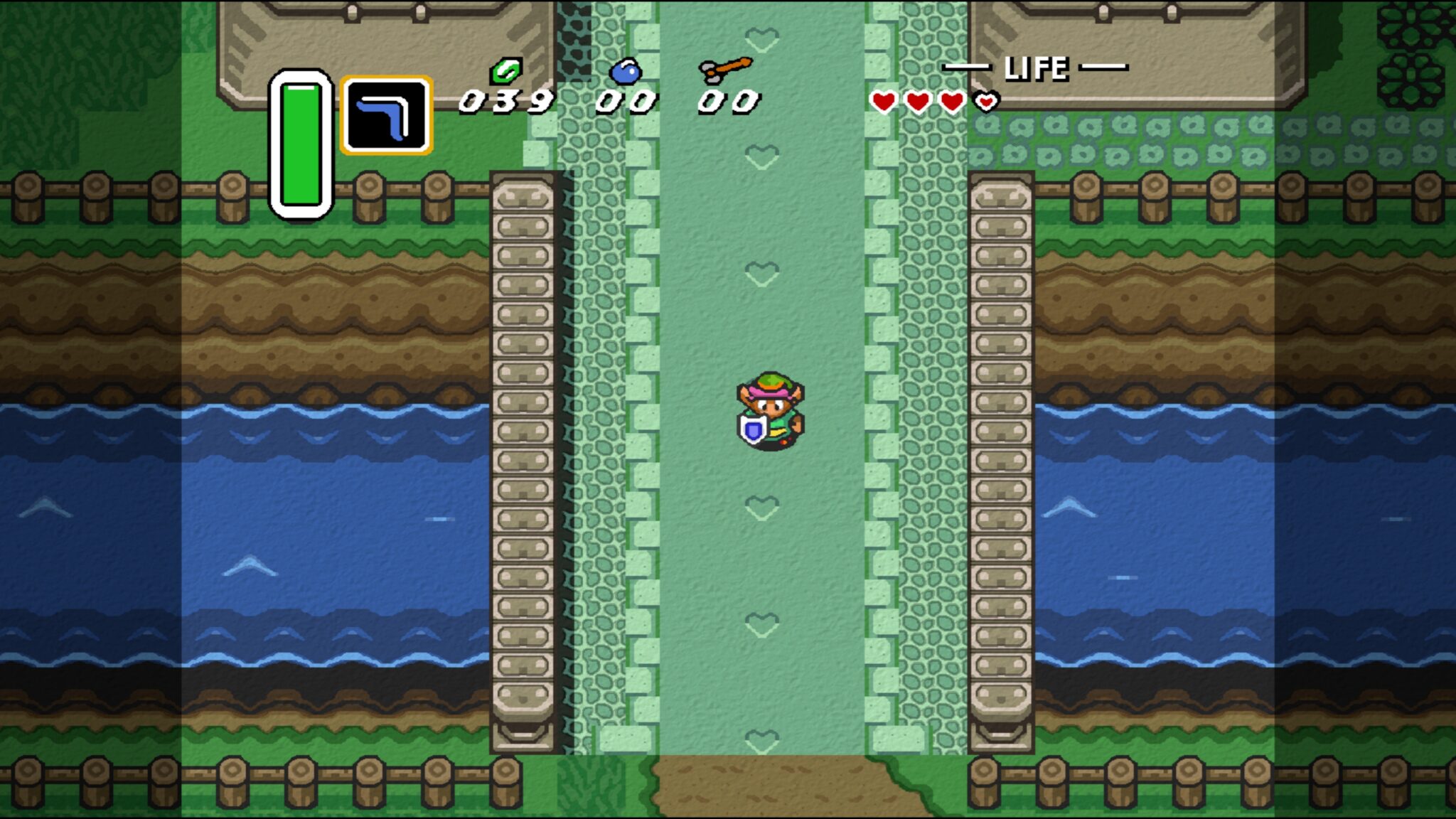
- With enhancements enabled, the emulator can show a 4K presentation. The examples use The Legend of Zelda: A Link to the Past, and the enhancements are made for individual games rather than being available across the full
- library. The project website has the current supported-games list.
- HiRes mode smoothing can be disabled. The example retains a sharper look while keeping the enhanced background textures, a useful alternative for players who prefer a more defined image.
- Semi-transparent borders can also be switched off. The result may look clean in some scenes, but the change can introduce glitches or make enemies appear in the 4:3 side areas.
Those examples show why it is worth treating the visual settings as options to try, rather than a single upgrade that will suit every game or scene. A 4K image does not mean every title receives the same treatment: support is game-specific, and the available settings can affect how scenes appear. Checking the supported-games list before expecting these enhancements from a particular favorite can help set expectations.
Z-retro View
The release pairs a practical compatibility step with visual features that are more experimental in feel. SA1 and Cx4 support gives the update a clear benefit for games that use those chips, while the A Link to the Past examples show the care involved in tailoring enhancements title by title. The option to disable smoothing also gives players room to choose a presentation closer to their own taste, instead of assuming one visual style is best for everyone.
The border example is a good reminder that extra screen space and altered effects can come with compromises. In one shown scene, the 3D view separates the top of a house, while water appears in a widescreen area where trees should be. The announcement also describes possible glitches and enemies appearing in the 4:3 areas when semi-transparent borders are off. These are specific caveats worth keeping in mind when testing the new options; the examples do not establish that every game or scene will behave the same way.
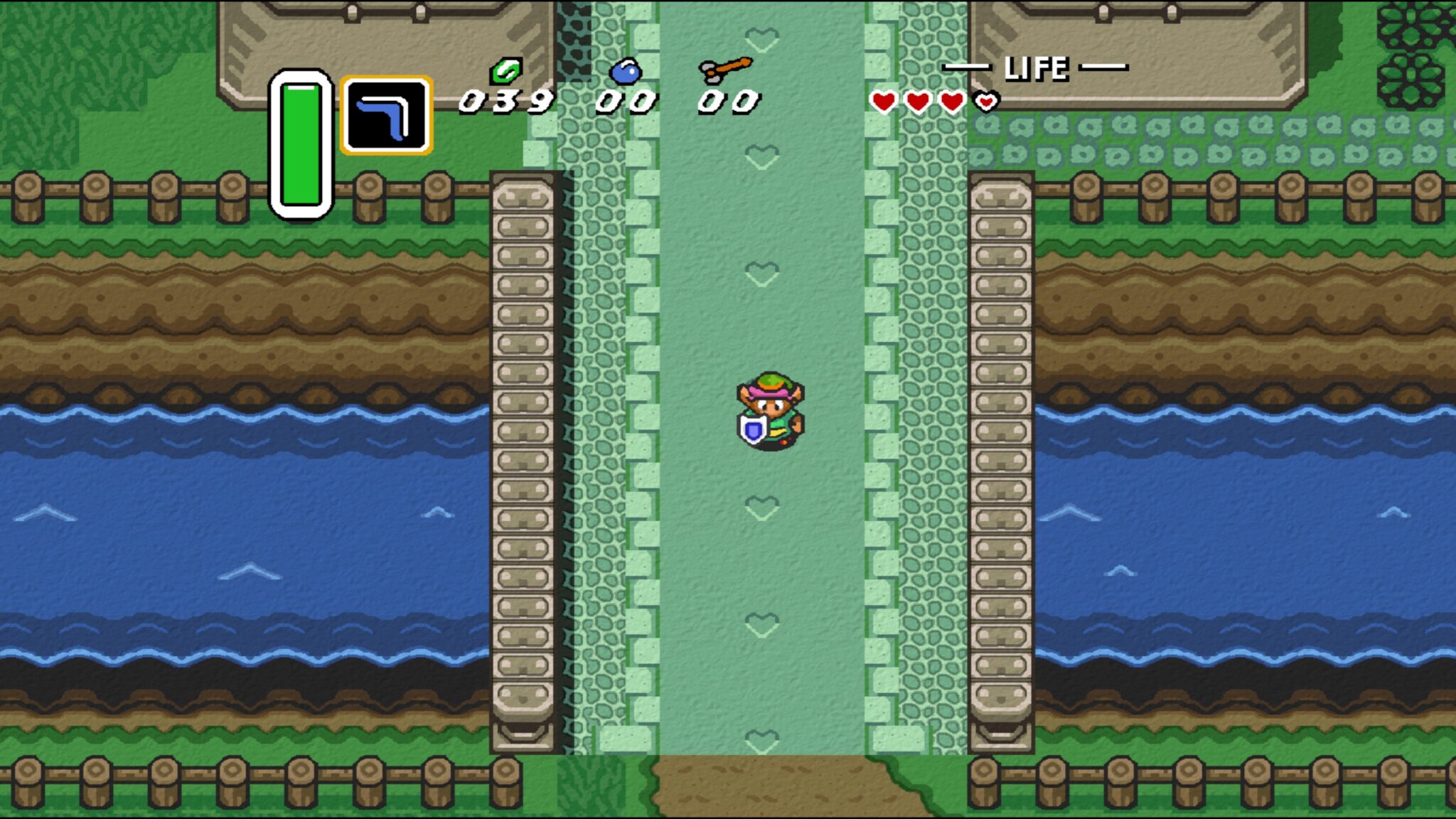
For a familiar SNES game, the most useful approach may be to compare the available modes and keep the one that preserves the details you care about. Super ZSNES v0.300 offers new ways to explore supported games, while leaving room for players to decide whether sharper pixels, enhanced textures, or wider views suit a particular moment. The paid iOS edition and free PC versions make the project available across different platforms, with the visual examples offering a grounded preview of both its appeal and its limits.