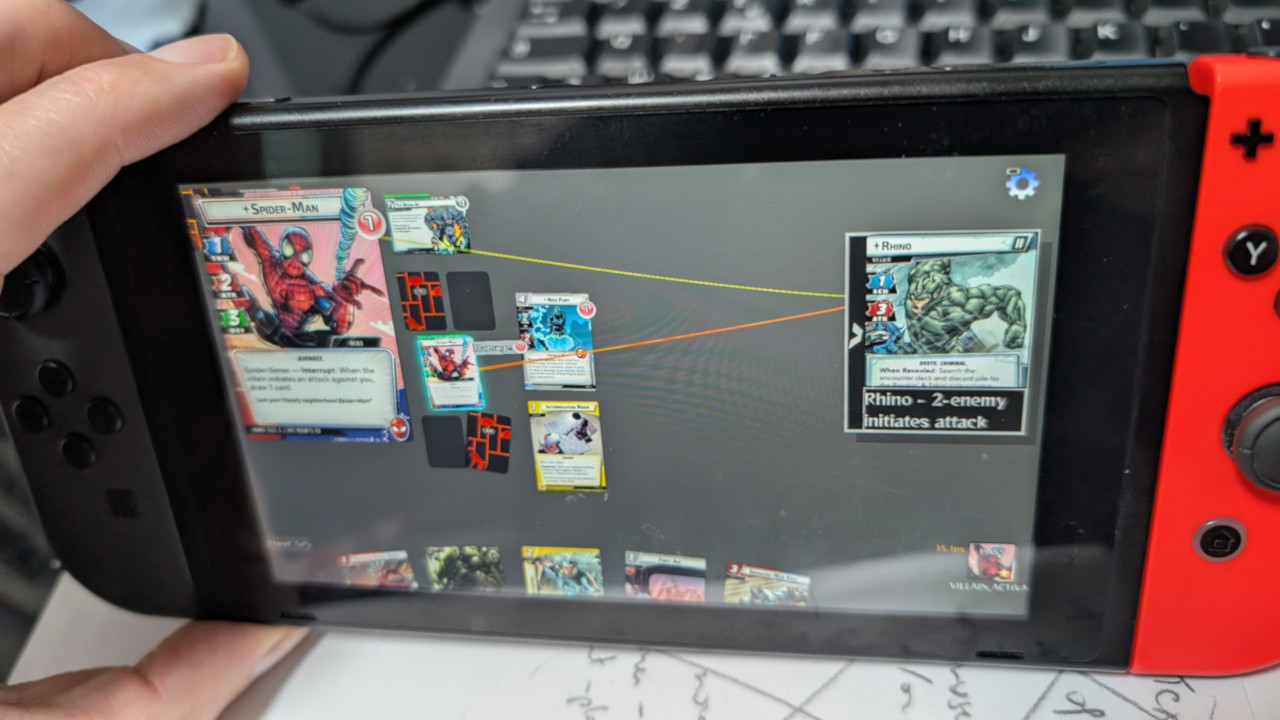
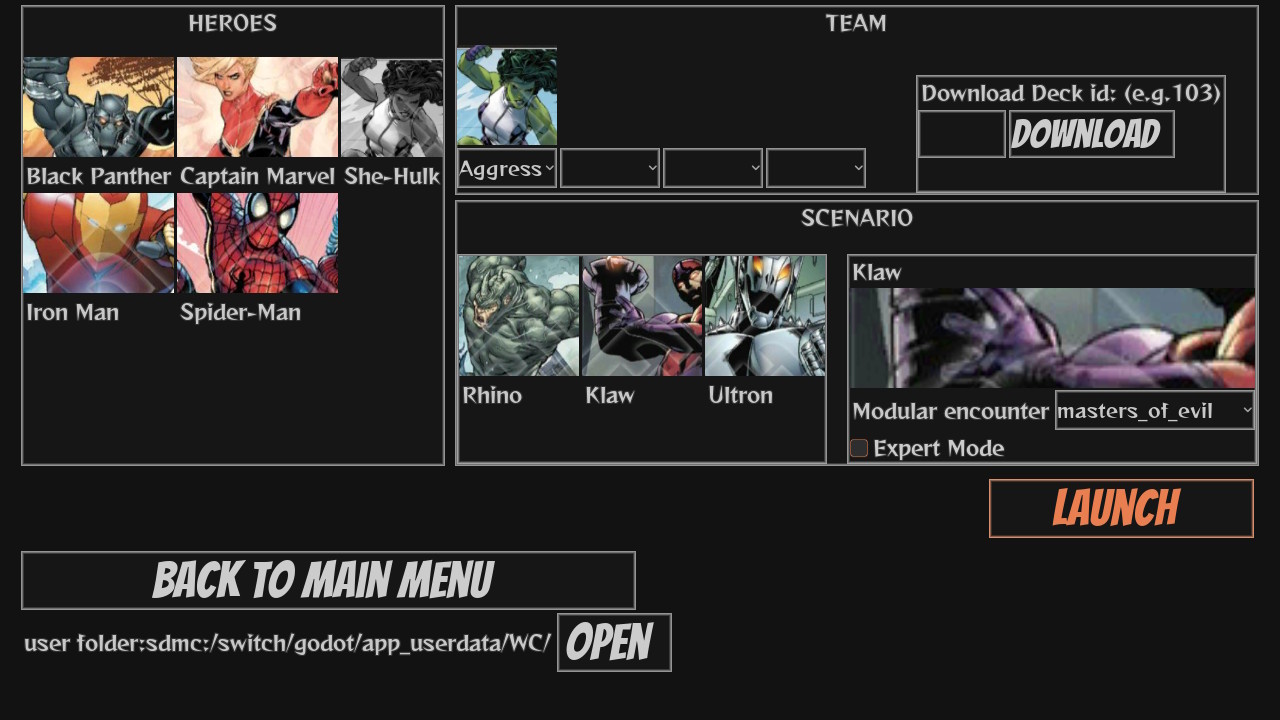
A developer working on the homebrew Nintendo Switch game Warnel Chawpiovs has shared a practical look at what it takes to make a 2D Godot project behave better on Nintendo's hybrid console. The game was first made for PC, where it ran without trouble, but the goal was always broader than that. Godot's flexibility made a console move feel possible, especially for homebrew systems, so the Switch became the next serious target.
The first build on Switch was a rough lesson. The project had originally been designed around 1920x1080, and that setup was perfectly fine on PC. The Switch did not reject the resolution, which makes sense because docked mode can output at 1080p. The problem was performance. Once the game was compiled for the console through the Switch homebrew port, it ran at around 10FPS. For a 2D game with only a limited number of elements on screen at once, that was clearly not the finish line.
The easy excuse would have been to say the PC version was fine and the Switch was simply too weak. The developer pushed back on that idea. A 2D game like Warnel Chawpiovs should be able to reach at least 30FPS on a machine like the Nintendo Switch, especially when the scene is not crowded. That made the slowdown feel less like a hardware wall and more like a signal that the project needed careful optimization. After working through several problem areas, performance rose to a more playable 20 to 25FPS. That still leaves room for improvement, but it was a major jump from the first 10FPS build.
The Main Takeaways
- Lowering the game resolution from 1080p to 720p delivered an immediate gain of roughly 7 to 10FPS.
- Repeated expensive calls should be moved away from places where they run constantly, or their results should be cached when they keep returning the same value.
- Text and script processing can become costly when the same work happens thousands of times per frame, even if each single operation looks small.
- Creating fresh duplicates of the same game objects over and over can be wasteful when one cached copy is enough for display needs.
- Godot makes it very easy to add nodes, but large node trees can become expensive on Switch, especially when each visible object is built from many child components.
- Objects that are not displayed or actively used should be questioned. If they do not need to be in the scene tree, keeping them out may reduce hidden CPU and GPU work.
The resolution change was one of the clearest wins, but it was not as simple as flipping a switch. The project had been built with 1080p in mind, and the developer wanted the game to support both 1080p and 720p. Because of earlier inexperience with Godot GUI design, making that adjustment became more complicated than expected. Once the work was done, though, the result was hard to ignore. Running at 720p gave the game about 7 to 10 extra frames per second, which is a big deal when starting from a low base. It is a very retro-aware lesson in the best sense: before chasing clever tricks, make sure the machine is not being asked to draw more pixels than the game truly needs.
Caching was another major focus. The basic idea is simple: if a function does expensive work on a regular basis and keeps producing the same result, the game should not keep paying the full price every time. The developer points to two likely fixes. One is to stop calling that work so often, such as moving it away from a constantly running process path when possible. The other is to cache the result, so the game can reuse an answer it has already calculated instead of doing the same calculation again.
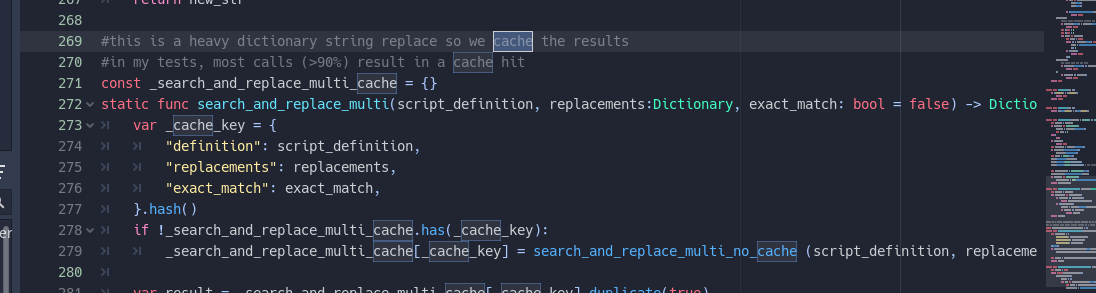
Warnel Chawpiovs made this issue visible through its card scripts. The game regularly loads text data from dictionaries, then interprets and modifies that data in real time. Behind the scenes, it also runs checks for things like whether a player can pay a card's cost and which targets are valid. None of that sounds dramatic on its own, and changing a string is not usually a scary operation for a modern computer. The problem was scale. The same scripts were being evaluated thousands of times each frame, and small costs became large when repeated so aggressively. One simple pattern suggested by the developer is to keep the old function under a new name, such as a no-cache version, then wrap it with a function using the old name that adds a cache in front of the expensive work.
The same thinking applied to duplicated card objects. Warnel Chawpiovs often creates copies of cards for display purposes, but constantly recreating those copies was unnecessary. The developer found that keeping one cached duplicate of each card was enough for those needs and better than building new copies all the time. It is a plain fix, but that is the point: optimization is not always about exotic engine knowledge. Sometimes it is about noticing that the game is repeating a job it could have saved.
The last big warning is about nodes. GDScript makes it easy to add nodes to a scene tree, which is part of what makes Godot pleasant for fast development. On Switch, that convenience can hide a cost. In this game, each card is a Node2D with many children responsible for showing the front, back, icons, name, and other visual parts. Some cards can be made from hundreds of graphical components. Many cards on the board are not even visible at a given moment because they are face down or sitting somewhere in a deck. The developer trusts that Godot usually avoids rendering what should not be visible, but the concern is broader than rendering. The engine may still have to walk through lots of child nodes every frame, and some of those nodes may be doing processing work only to produce nothing useful on screen.
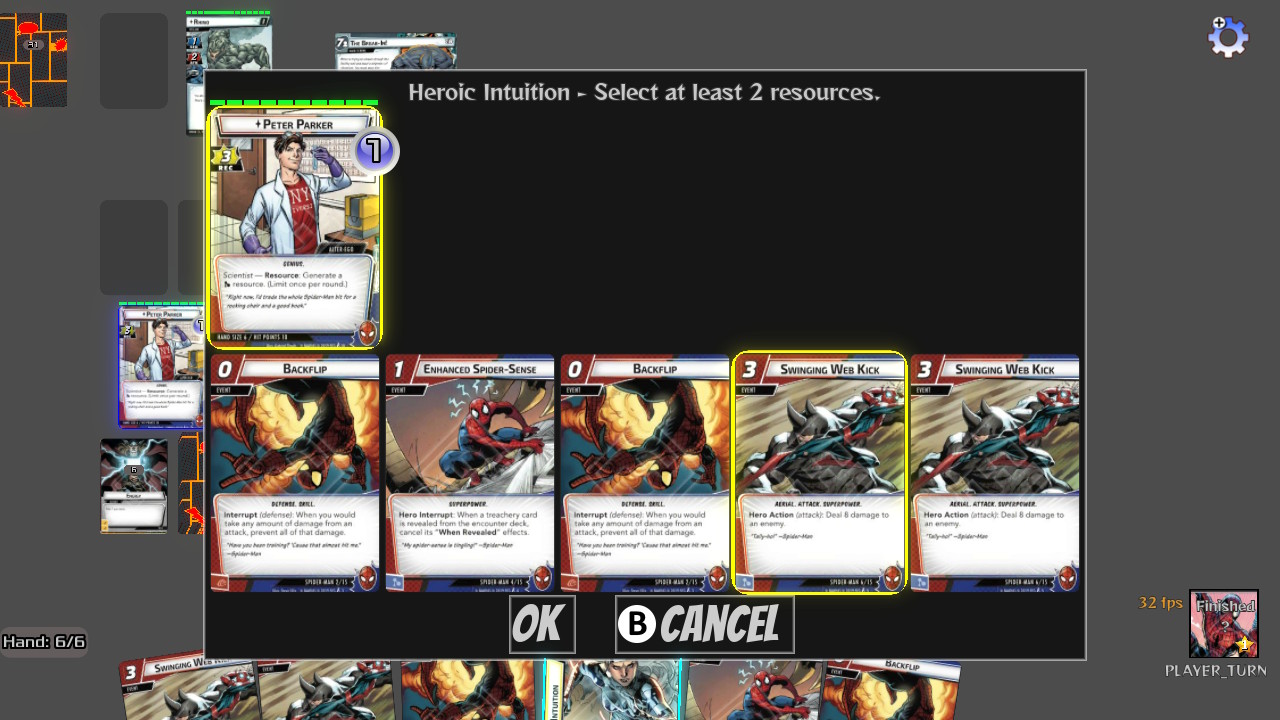
That leads to the cleanest rule from the whole experience: if an object is in the tree, it may be putting load on the CPU or GPU, even when that load is not obvious. The developer's conclusion is that a node that is not displayed and not being used probably should not be in the tree in the first place. The advice comes from Godot 3.x work, specifically 3.6 and 3.5, compiled through the Nintendo Switch homebrew port, but the lessons are presented as useful for 2D games across Godot versions, including 4.x, and for portable devices beyond Switch. The focus matters, though. This is 2D optimization advice, not a full guide to 3D rendering, where the best tricks can be very different.