Retro Context
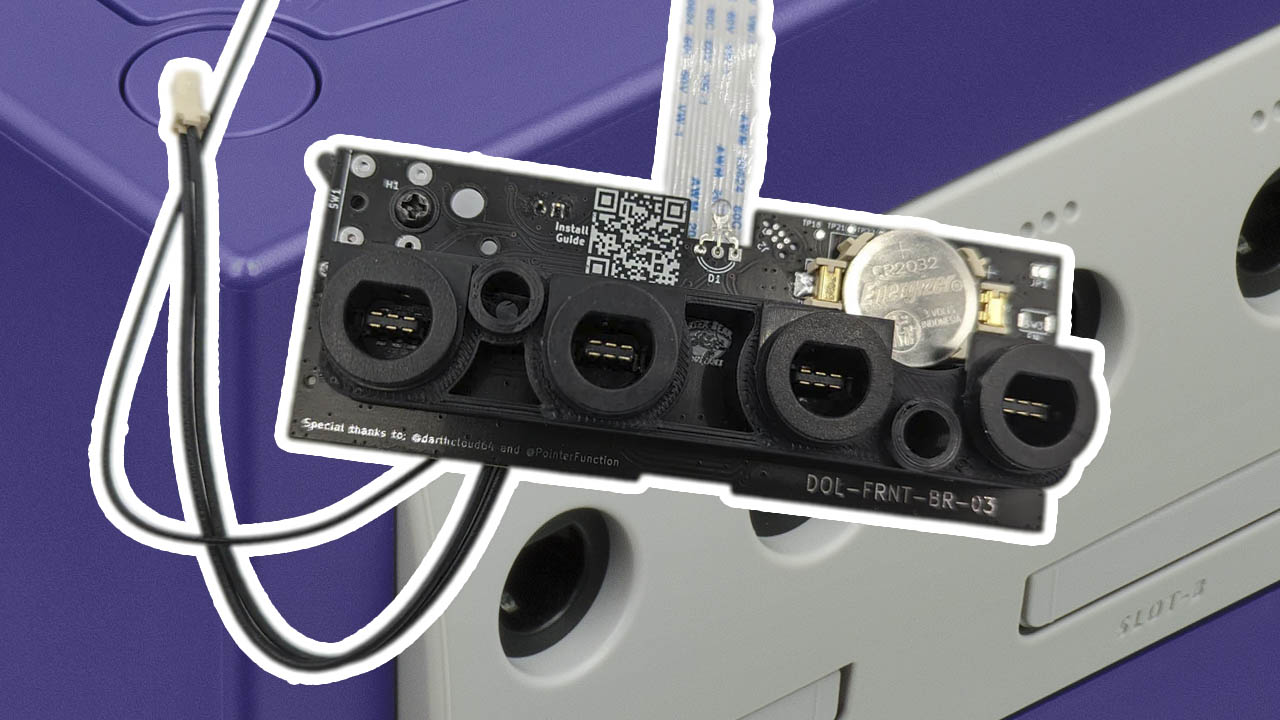
The GameCube is old enough that adding wireless controller support means working around the limits of its original hardware. BlueRetro does that through an internal Bluetooth kit, while homebrew tools such as Swiss and storage devices such as the SD2SP2 Ace provide ways to launch software on the console. This update sits at the intersection of those pieces: the kit handles the wireless connection, and the Companion app gives owners a more convenient way to access its settings and updates.
BlueRetro is also a continuing project rather than a finished feature frozen in time. This is the first GameCube BlueRetro update since creator Darthcloud stepped away from the project last year. Greg from Laser Bear Industries has now published firmware v26.08.3_LBI alongside Companion v0.25. It is a welcome sign that work on this kind of practical hardware upgrade is continuing, while the Laser Bear release should be understood as the version tested for its own adapter.
Why It Matters
Owners need to install the new firmware manually once before they can use all the Companion app features. After that initial step, later firmware updates are meant to be much simpler: place the latest blueretro.bin file on the storage used to launch homebrew, such as an SD2SP2 Ace, and the update should finish in about a minute. That turns a one-time setup task into a more convenient routine for future releases.
The most tailored feature may be custom button mapping on a per-game basis when the kit is used with Swiss. Different games can ask for different control layouts, and the ability to save mappings per title gives players a way to adjust for the controller they prefer without treating every game as the same case. It is a practical quality-of-life change for a console library that spans many styles of play, though the per-game option depends on using Swiss.
The app also includes a live input viewer and simpler control over controller pairing. Those tools can help owners see what a connected controller is sending and manage the connection without relying only on trial and error. The release also highlights online updating via the GameCube Broadband Adapter (BBA), but there is an important limitation: this feature is not useful unless the system is already running v26.08.3_LBI. It is therefore not a shortcut around the required first manual update.
Laser Bear says the firmware works on all three versions of its adapter. Standalone dongles have not been tested, even though the code compiles, so owners of those devices should treat compatibility as unconfirmed. The update may work with other GameCube BlueRetro adapters too, but Greg has only tested and verified it with Laser Bear hardware. That distinction matters before changing firmware on a different setup.
Z-retro View
This release offers a useful mix of convenience and control: easier repeat updates, per-game mappings for Swiss users, and tools for checking inputs and pairing. For someone who already uses the Laser Bear internal kit, those additions may make the setup easier to live with. The initial manual firmware update is still part of the process, and the broader adapter compatibility remains uncertain, so it is sensible to match the firmware to the hardware that has actually been verified.
The update is free, and the release is available from Laser Bear Industries on GitHub under v26.08.3_LBI. Readers considering the internal kit can check its product details before buying, and the release notes are the right place to confirm the firmware and app versions. For a GameCube owner who values wireless play and already uses homebrew, the per-game controls and smoother future updates are the clearest reasons to take a closer look.