
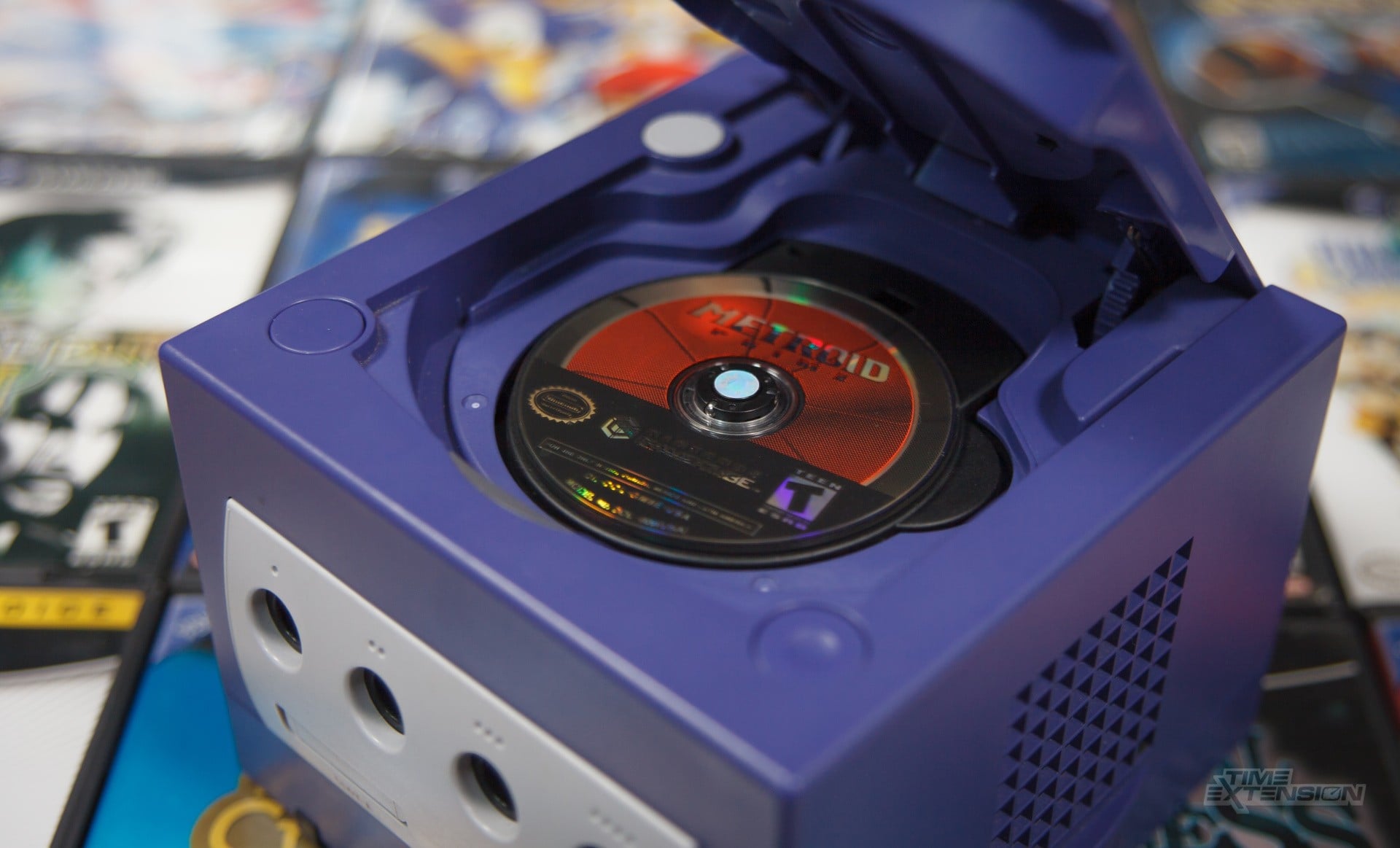
OmniDrive is the kind of tool that sounds small until you think about how many old game collections still live on optical discs. As reported by Time Extension, it is a firmware modification that lets certain PC Blu-ray drives read proprietary console discs, including formats used by the Nintendo GameCube, Wii, and Xbox 360. For collectors, that matters because many of these discs were not designed to be read like ordinary computer media.
The tool is made for MediaTek MT1959-based optical disc drives manufactured by Hitachi-LG Data Storage. That detail is important. OmniDrive is not a general promise that every Blu-ray drive can suddenly handle old console discs. It depends on the right hardware, and anyone interested in using it needs to check their own drive model before going further.
Retro Context
Disc-based consoles sit in an awkward place in retro gaming. They are new enough that many players still own original games, but old enough that drives, lasers, plastics, and discs are no longer things people can take for granted. A cartridge collection can have its own problems, but optical media adds another layer: scratches, disc rot concerns, failing console drives, and formats that were intentionally different from standard PC discs.
That is why tools around legal personal backups attract attention in preservation circles. The basic appeal is not about replacing ownership with downloads. It is about giving people a way to protect a library they already bought, especially when the original console hardware is aging. For Nintendo fans, GameCube and Wii support will be the headline point, because both systems have large physical libraries and strong emulation interest among people who still prefer to start from their own discs.
The wider support list also shows the limits of this kind of project. OmniDrive can rip discs for PlayStation 3, PlayStation 4, PlayStation 5, Xbox Series, and Wii U, but those discs remain encrypted. It also supports Dreamcast GD-ROMs, with the caveat that only the low-density area can be read. Those details keep expectations realistic: this is a useful preservation tool, not a magic solution for every disc ever pressed.
Why It Matters
The practical value is control. If you own a compatible drive and the discs are yours, OmniDrive can help you create backups without relying on random files found online. That is a cleaner path for people who care about provenance, collection management, and keeping their own media usable with emulation where that is supported.
There are still important caveats. A firmware modification is not something to treat casually, and the source report points readers toward the Disc Preservation Project Wiki for compatible optical drive model numbers. That check should come before any attempt to use the tool. The legal side also depends on personal use, local rules, and what someone does with the backup afterward, so this should be approached as a preservation method for owned discs, not as a shortcut around buying games.
For retro readers, the strongest point is that OmniDrive reduces friction. Many older dumping methods can feel scattered across niche hardware, old guides, or console-specific setups. A PC Blu-ray drive path, when the drive is compatible, is easier to understand as part of a modern preservation workflow. It gives collectors a reason to look at hardware they may already have, or at least a clear list of models to research.
Z-retro View
Z-retro sees OmniDrive as a welcome but carefully limited preservation development. It is valuable because it supports the responsible backup of personal collections and gives disc owners another way to keep older libraries accessible. At the same time, the encrypted formats, partial Dreamcast support, and drive compatibility requirements mean it should be viewed as one tool in a broader preservation toolbox. The best use case is clear: careful collectors with the right hardware who want their own discs backed up in a more direct and accountable way.