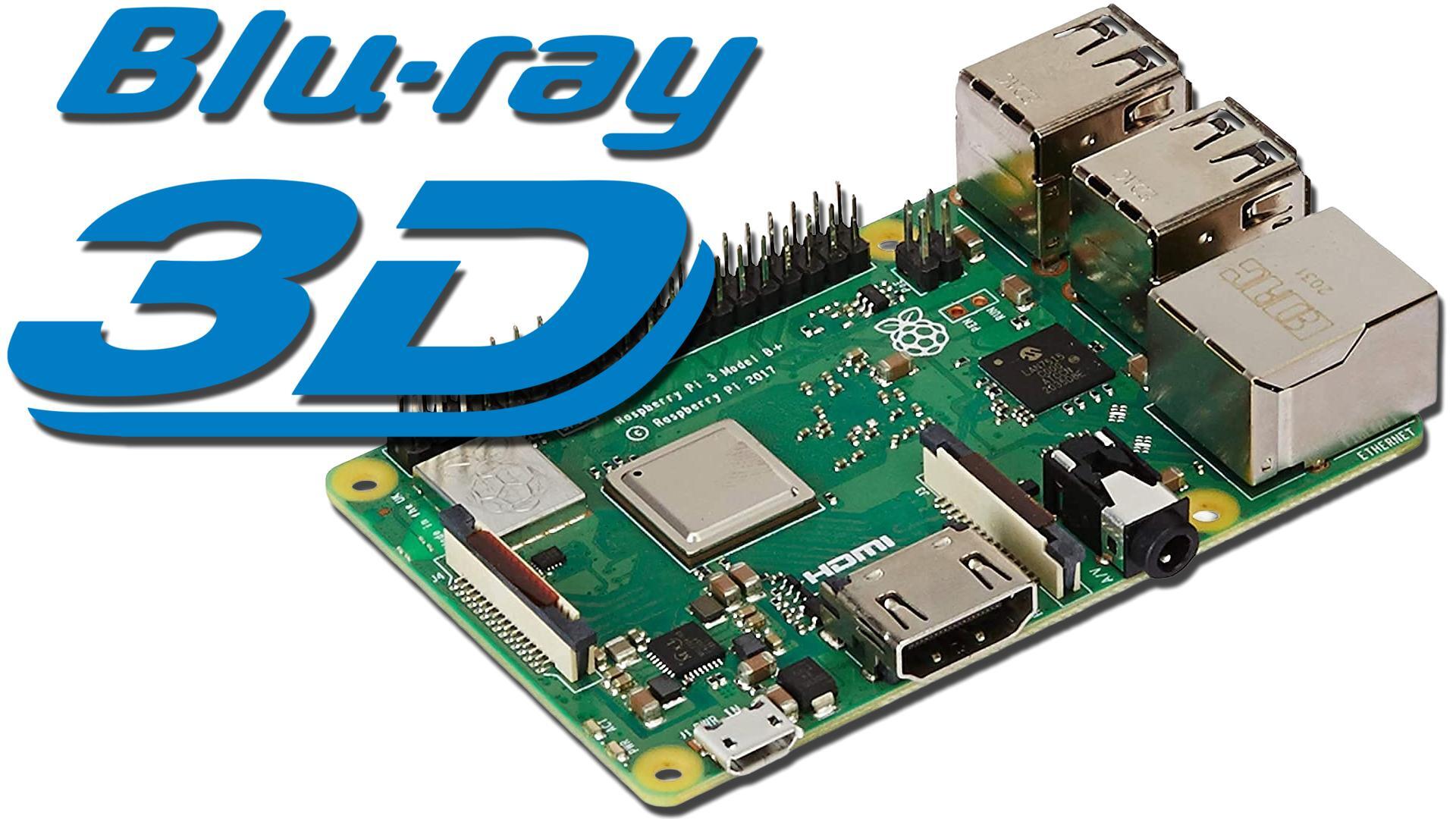
This is a very specific Raspberry Pi project, but it is a fun one for the right setup. With one Raspberry Pi 3, it is possible to play ripped 3D Blu-Ray ISO files on a compatible 3D flat-panel or projector, while also using the same general software setup for video playback at friendlier cadences on a PC CRT monitor. It is not a universal media box trick, though. The hardware, software version, and display all matter.
The 3D Display Still Matters
For 3D Blu-Ray ISO playback, you still need a real 3D-capable television or projector. A simple way to think about it is this: if your display can already show 3D discs from a normal 3D Blu-Ray player, this approach should fit that use case. The Raspberry Pi setup does not turn a CRT into a 3D Blu-Ray display, and it does not add 3D support to screens that never had it. It is mainly a way to make one small device useful for two different video habits.
The hardware requirement is also narrow. A Raspberry Pi 3 is the target here because the Raspberry Pi 4 and Raspberry Pi 5 do not include the decoder chip needed for this 3D playback path. A Raspberry Pi 2 may work if you already have one available, but for anyone buying hardware for the job, the later Raspberry Pi 3 B+ is the safer pick from this family.
Use The Right LibreELEC And Kodi Version
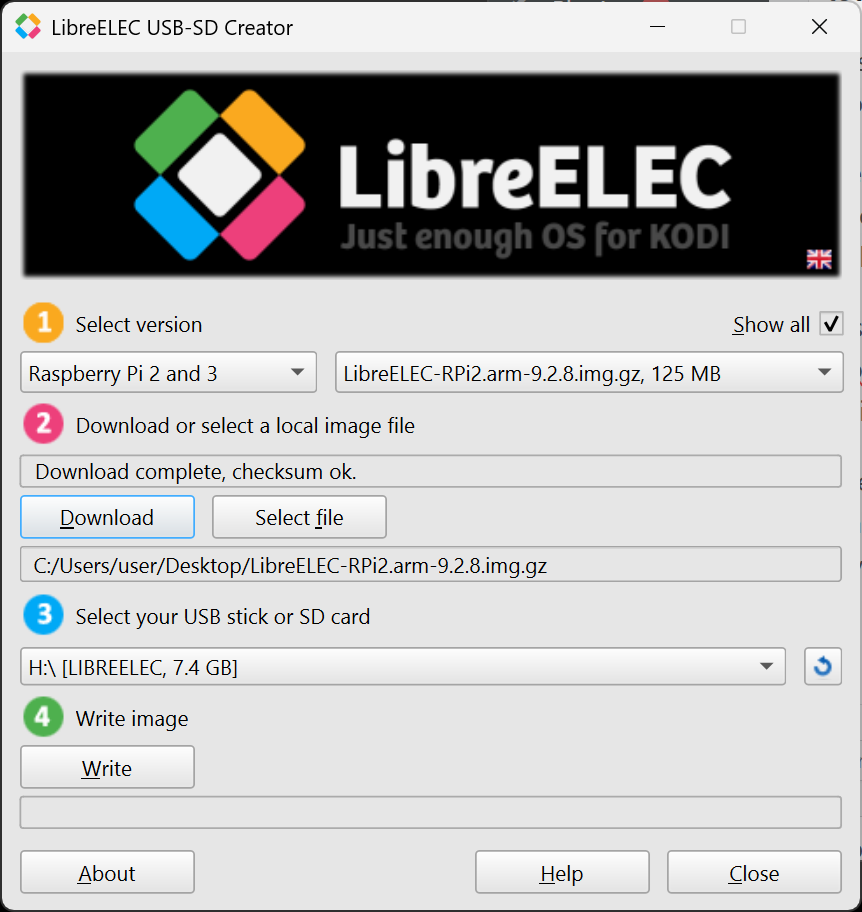
The 3D Blu-Ray feature is tied not only to that older hardware, but also to older software support. Because newer Raspberry Pi hardware no longer supports the same feature, LibreELEC and Kodi support moved on as well. For this setup, the needed branch is the final version 9 release with the feature still present. In practical terms, that means using LibreELEC 9.2.8 for Raspberry Pi 2 and Raspberry Pi 3, either through the LibreELEC SD creator or by manually selecting that version.
There is one extra catch: some Raspberry Pi 3 boards may need older firmware files. The first step is to image a MicroSD card with LibreELEC 9.2.8 and try to boot it. If Kodi appears normally, continue with the setup. If the screen stays black, firmware is probably the next thing to check. In the documented case, the Raspberry Pi 3 B+ green LED showed four long blinks followed by seven short blinks while stuck at the black screen.
Once Kodi boots correctly, test the 3D Blu-Ray ISO side before changing anything else. Select a 3D ISO and watch how the display responds. In the tested setup, the TV behaved the same way it did with a physical 3D disc and a standalone 3D player: it automatically switched into 3D mode and the movie played like the disc version.
MicroSD Setup Steps
- Power down the Raspberry Pi and put the MicroSD card back into the PC.
- Extract the provided Kodi 9 24p EDID file to the root of the MicroSD card, allowing it to overwrite the existing files: http://cdn.retrorgb.com/assets/Kodi9_24pEDID_2026-05-09.zip
- Back up the existing config.txt first if you want to preserve it. On a fresh install, that backup is less important.
- Eject the MicroSD card, put it back into the Raspberry Pi 3, and boot again.
After those files are copied, the system boots at 480p60. That is intentional, because 480p60 is broadly friendly to both flat-panel displays and PC CRT monitors. It is also a sensible fallback mode to return to when you are done watching content, since it lowers the chance of booting into a resolution your display cannot handle. From there, you can switch to another available mode for the content you want to watch.
The useful CRT cadence results are mixed, but promising. Playback at 640x480 at 72 Hz and 800x600 at 72 Hz worked properly and was checked with test files. Higher 72 Hz modes, including 1024x768 and 1440x1080, did not appear as options. The likely reason is Raspberry Pi 3 output bandwidth. Newer Raspberry Pi 4 and 5 boards can output 4K, so 1080p at 72 Hz is less of a concern there, but those newer boards are not suitable for the 3D Blu-Ray feature described here. The Raspberry Pi 3 is limited to 1080p60, so the missing higher-refresh modes make sense.
Z-retro’s view: this is not a setup most people need, but it is a neat, practical answer for a small group of video fans who care about both 3D Blu-Ray backups and PC CRT motion cadence. The limits are real, yet the result is useful if your display gear and Raspberry Pi model line up.