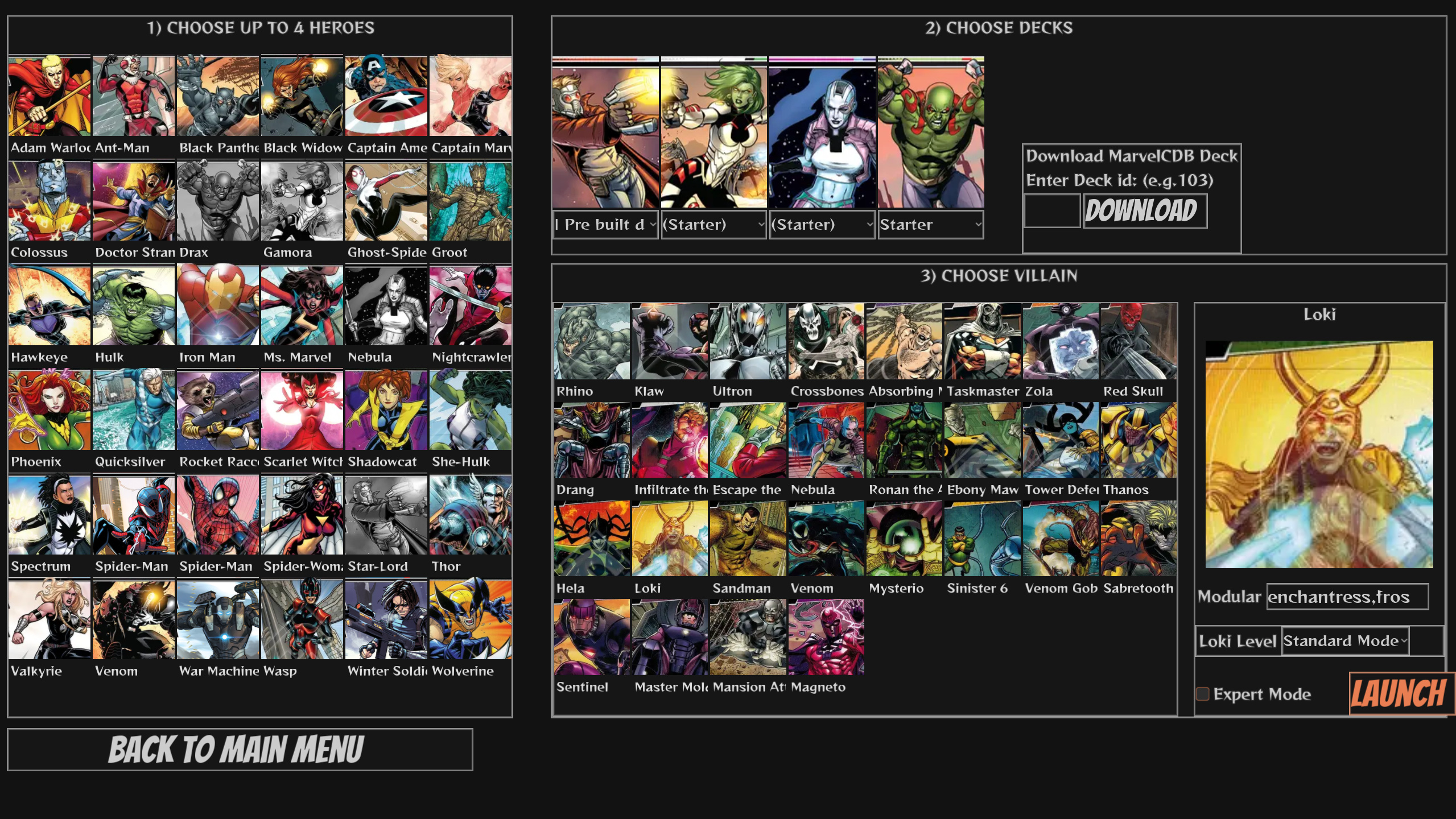
Warnel Chawpiovs, the homebrew card game based on Marvel Champions, has reached version 1.4.0. The update expands its platform reach with an Android release, alongside versions for Windows, Linux, macOS, and Nintendo Switch. It also adds seven heroes and five scenarios, giving players new combinations to explore in a game that handles the card rules for them.
What’s New in Version 1.4.0
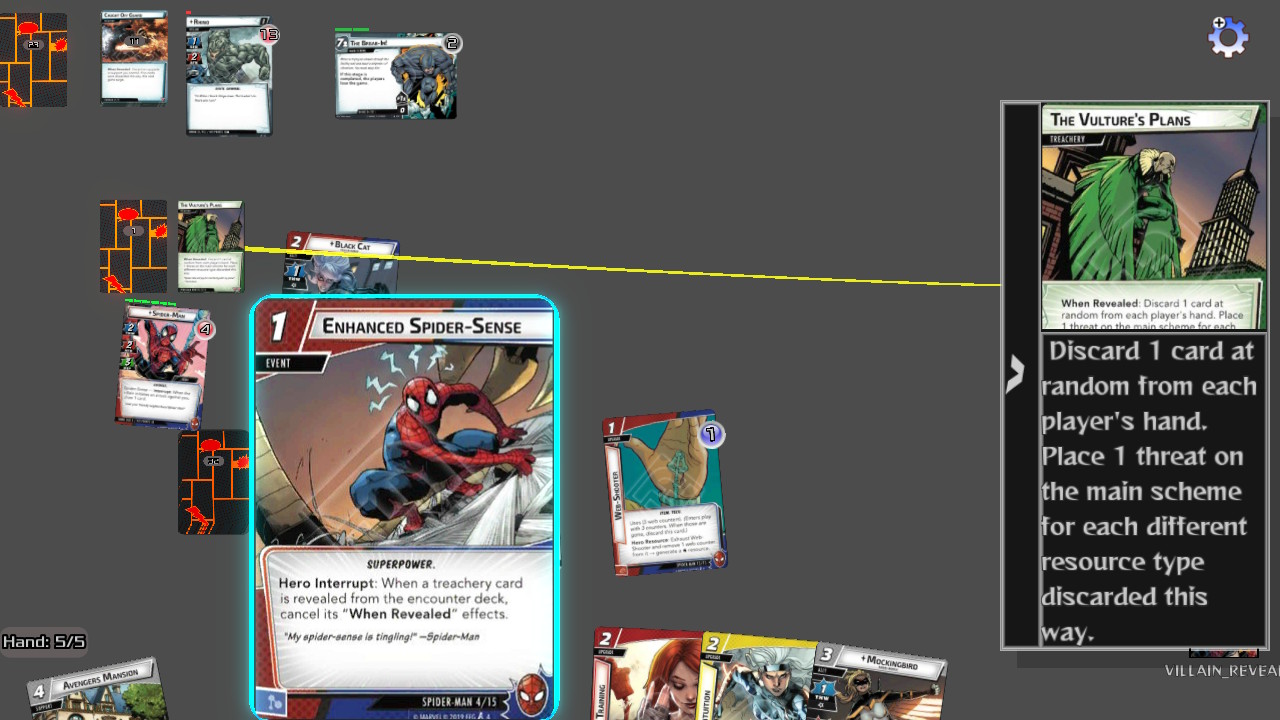
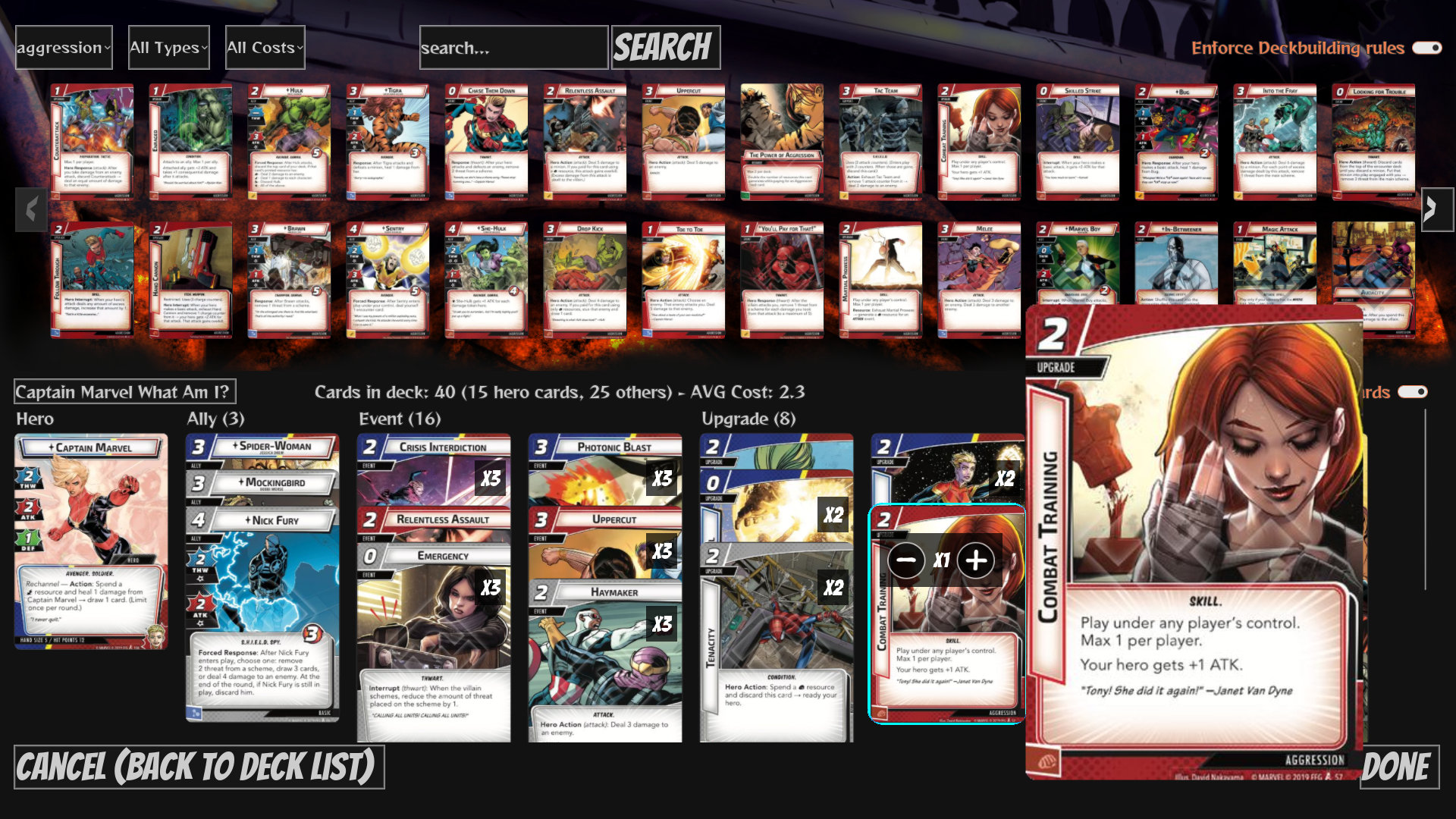
The game is designed around the cooperative Marvel Champions board game. Its rules enforcement takes care of the many card interactions, leaving players to focus on their strategy. A full deck editor is included, with the ability to import and export decks through the fan site marvelcdb.com. That makes the editor useful both for building a deck in the game and for bringing in a deck made elsewhere.
The release also makes some of the game’s most intensive loops faster. The developer says the update removes unnecessary elements before processing cards, reducing work in those parts of the game. The improvement is especially noticeable on Nintendo Switch, though the game can still feel laggy while it downloads and processes images. The performance gains are most apparent after the required assets have finished downloading, so the first run may not show the full difference.
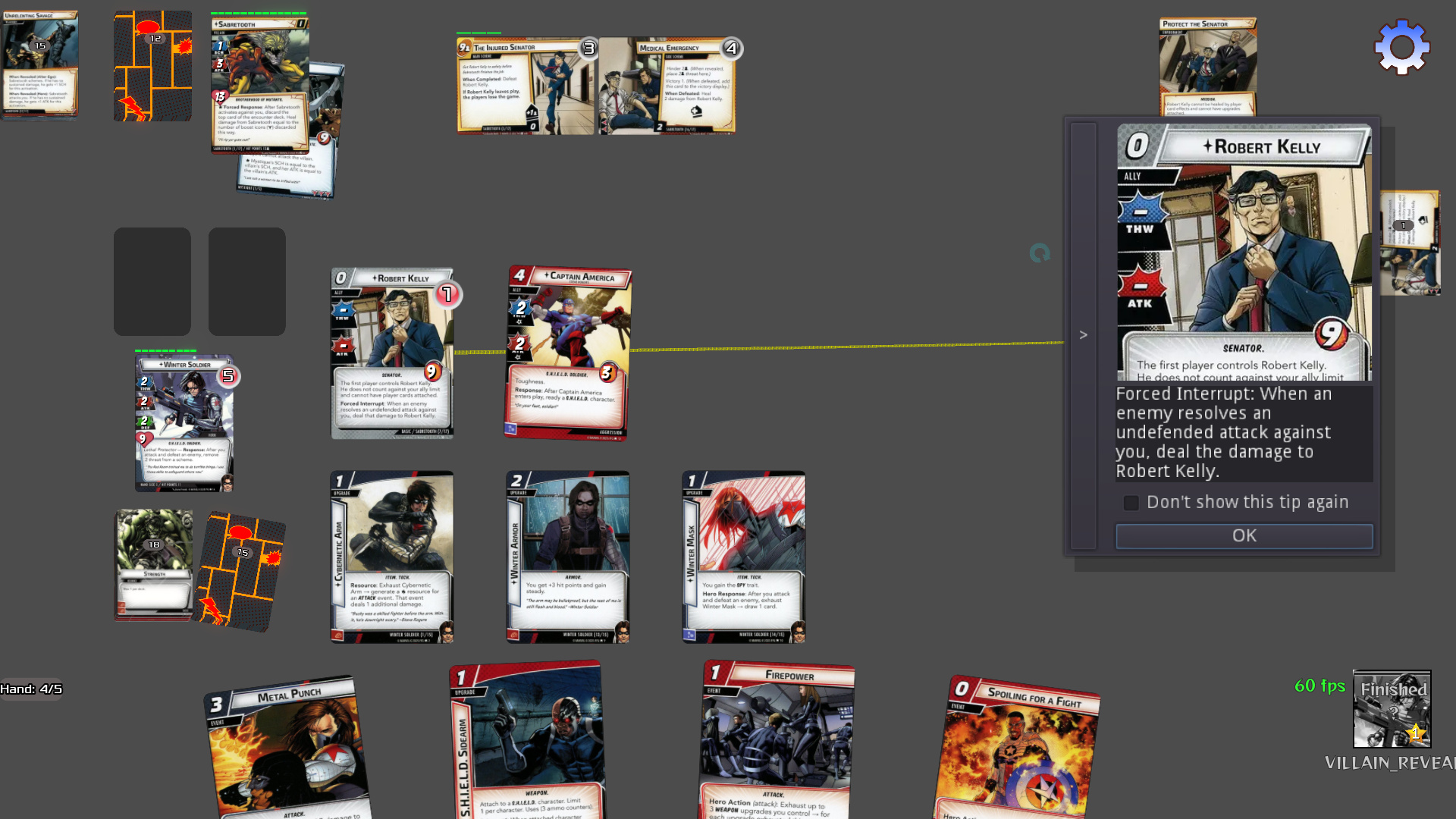
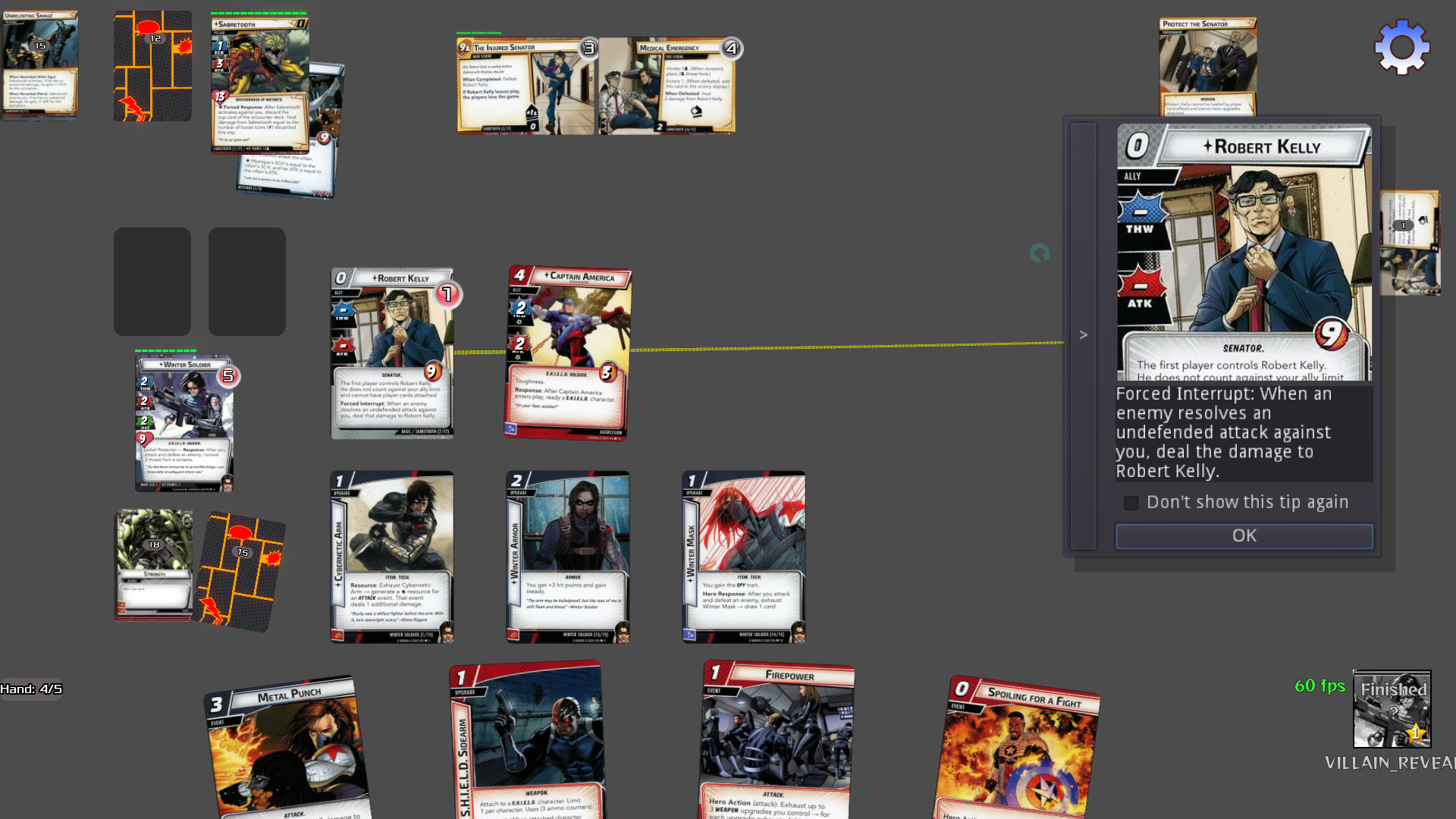
Among the new hero content is a character whose cybernetic arm can increase damage and also serve as a defense. The deck is built around bringing minions into play and fighting them, creating opportunities for several combos and for removing thwart. That approach is described as especially effective in scenarios with many minions, such as Ultron and his drones. In scenarios with fewer, stronger minions, the same plan may work differently; the available description does not provide more detail about that matchup.
The update is available for the listed platforms through downloadable binaries or the project’s GitHub page. On Android, installation involves copying the APK to the phone and opening it with a file manager. The phone must allow installation from unknown sources for this process. On Switch, the game should be launched through the Homebrew Menu in full-speed mode rather than applet mode; the source instructions say to hold the right shoulder button while launching a cartridge game.
When new card images are missing, the game attempts to download them after launch. Those downloads run in the background, so play can continue while they complete. Players who already have the appropriate resource ZIP files do not need that download step. This is useful context for Switch players in particular, since image downloading and processing can affect performance until the assets are ready.
Why It Matters
Version 1.4.0 gives existing players more content while making the game available to Android users for the first time. The broad platform lineup also means the same rules-driven card game can be played on PC, Switch, or a phone, although each platform has its own setup details. The deck editor and MarvelCDB import and export support add another practical route into the game for players who already organize decks on that fan site. For Switch users, it is worth distinguishing the improved performance during normal play from the temporary slowdown that can happen while image assets are being fetched and processed.
Z-retro View
Warnel Chawpiovs sits in an interesting corner of homebrew: it brings a modern, rules-heavy tabletop card game to platforms that include a handheld console, while also handling much of the bookkeeping in software. The new Android version widens that audience, and the added heroes and scenarios give returning players fresh material to try. As with any content-rich card game, the experience depends on both the rules implementation and the availability of the card images; the update’s performance work and background downloads address those practical parts without removing the need for an initial asset load.